September 28, 2026
Online classes are working when your child is more engaged, more skilled and more independent than a few weeks ago. Here is what to look for at 4, 8 and 12 weeks.


What to ask, what to set up, and what to watch for, from a family that runs live classes every day.
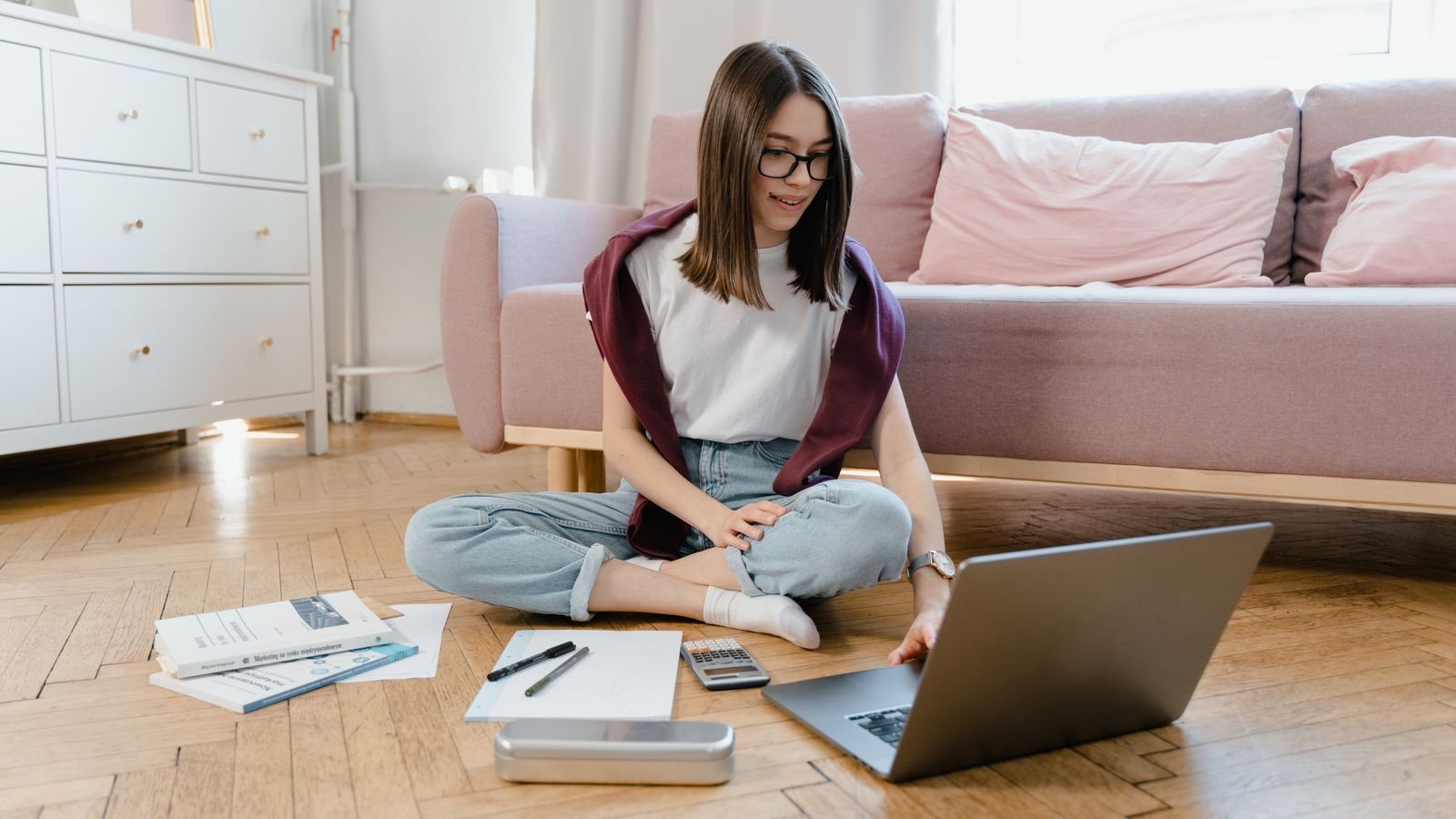
Online classes are safe when three things are true: the adult on the screen is verified, the class happens in a room you can walk into, and there is no private channel between tutor and child. Almost every safety concern parents raise comes back to one of those three. Get them right and the rest is detail.
If you feel unsure about all this, you are in very good company. A 2025 government survey in Singapore found that only 37% of parents felt confident guiding their child’s digital habits, with more than eight in ten worried about exposure to inappropriate content. Most parents are doing something already. Very few feel sure it is enough.
The risks are not usually the dramatic ones parents imagine, and they fall into recognisable categories. UNICEF’s framework for digital learning sorts online risk into four groups known as the four Cs: content risks, where a child sees something inappropriate; contact risks, where someone interacts with a child harmfully; conduct risks, such as bullying between children; and contract risks, such as hidden costs or loss of control over personal data.
In a well-run 1 on 1 class, contact and conduct risks drop sharply, because there is no group chat and no room full of strangers. What is left is mostly about who the tutor is and what happens to your child’s data. Those are exactly the two things you can check before you pay anyone.
Ask these before the first paid class, and judge the provider as much on how readily they answer as on the answers themselves. A good provider will not be defensive about any of them.
First, who exactly will teach my child, and can I see their name, photo and background? Second, are tutors background checked, and how? Third, can I sit in on a class, at any time, without notice? Fourth, are classes recorded, who can access recordings, and how long are they kept? Fifth, will the tutor ever contact my child directly outside class, on any platform? Sixth, what happens if my child and the tutor are not a good fit? Seventh, what data do you collect about my child and where is it stored? Eighth, what is the platform, and does it require the child to hold their own account? Ninth, who do I contact if something goes wrong, and how fast do you respond?
The answer that matters most is the fifth. There should be no private line between an adult and a child. All communication should route through the parent. At MasterMindz, that is the standing rule: tutors talk to parents, not to children, outside of the class itself.
Put the class in a shared room where you naturally walk past. This one decision does more for safety than any software setting, because supervision that costs you no effort is supervision that actually happens. A dining table, a corner of the living room, or a desk in a hallway all work. A closed bedroom door does not.
On the device itself, keep a few basics in place. Check what the camera can see behind your child, including anything with your address, school name or family photos on it. UNICEF advises parents to teach children to be mindful of what is visible on camera and to keep webcams covered when they are not in use. Keep the operating system and browser updated. Use the child account rather than your own, so a stray click does not reach your email or banking. And keep the class on a laptop or tablet rather than a phone, since a larger screen keeps the child further from the display and makes it easier for you to glance over.
Rules work better when the child helps write them, because a rule a child understands survives the moment you leave the room. Keep the list short. Four is usually enough.
Never share your full name, address, school or phone number in an online class. Never accept a message, friend request or call from a teacher outside class time, and tell me if you get one. If anything on screen makes you uncomfortable, come and get me straight away and you will not lose the device for it. Nothing is ever a secret from me, even if someone says it should be.
That third rule deserves emphasis. Singapore’s IMDA advises parents to create a no-blame reporting environment, so children tell you about worrying experiences without fear of losing their device privileges. Children stay quiet mostly because they expect to be punished. Remove that expectation and you will hear about problems while they are still small.
Six things worth knowing about children and the internet
Somewhere in the world, a child uses the internet for the first time roughly every half second, according to UNICEF.
UNICEF sorts online risk into content, contact, conduct and contract. Naming the risk makes it far easier to plan for.
In a 2025 survey of nearly 2,000 Singapore parents, just 37% felt confident guiding their child’s digital habits.
From 31 March 2026, app stores in Singapore must apply age assurance so under-18s cannot download age-inappropriate apps.
Most major social media services require users to be at least 13, which is why school-age children should not have accounts on them.
Research cited by UNICEF finds that repeated conversations about online safety work far better than a single one-off talk.
The clearest warning sign is a change in how your child behaves around the device rather than anything you see on the screen. IMDA’s guidance for parents points to changes in behaviour, withdrawal from family activities, or a sudden reluctance to use a device as signals worth paying attention to.
In the specific context of classes, watch for these: your child closing the laptop or switching windows when you enter the room; a tutor asking to move the conversation to a different app; a class that suddenly runs at odd hours or without notice to you; a child who becomes secretive about what happened in a lesson; or gifts, special treatment, or being told something is “just between us”. That last one is the most important item on the page. Any adult who asks a child to keep something from their parents has ended the conversation about whether they should be teaching your child.
If you see any of these, you do not need proof before you act. Sit in on the next class. Ask the provider directly. Stop the classes if the answers do not satisfy you. A legitimate provider will thank you for asking.
A 1 on 1 class removes an entire category of risk, because there are no other children in the room. No group chat, no unmoderated peer messaging, no strangers appearing in a video grid, and no chance of another child sharing something inappropriate on screen. Conduct risk, in UNICEF’s framing, mostly disappears.
There is a second, quieter benefit. In a class of thirty, a parent cannot realistically follow what is happening. In a 1 on 1 class you know exactly who the adult is, you can see and hear the whole lesson from the next chair, and any change in your child’s mood is obvious immediately. The trade-off is that the single tutor relationship matters enormously, which is why the vetting questions in section two are worth asking properly. Get the tutor right and 1 on 1 is the most transparent format there is.
Not all screen time counts the same way, and a live class with a real teacher sits at the opposite end of the spectrum from passive scrolling. Singapore’s Ministry of Health guidance on screen use encourages parents to moderate passive recreational screen use in particular, to build a family screen plan that balances devices against homework, exercise, sleep and family time, and to keep screens out of meals and the hour before bed.
A practical way to think about it: an interactive lesson where your child talks, thinks and is talked back to is closer to a piano lesson than to a video feed. It still counts, and it still needs to fit inside the day’s total, but it is not the part of the total most worth worrying about. If you are trimming, trim the passive hours first.
You should be able to describe your child’s class in one sentence: this named tutor, on this platform, at this time, in this room, with me able to walk in. If any part of that sentence is vague, that is the part to fix.
In practice it looks like this. The tutor’s name and background are known to you before the first class. The lesson starts on time on the same platform every week. The camera shows a plain wall behind your child. You are in the house and the door is open. Communication about scheduling and progress comes to your phone, not your child’s. And after class, your child tells you what they did, because you ask every time and they are used to it. None of this requires special software. It requires a decision, once, about how the class runs in your home.
Simple things you can set up at home this week
Move the class to a shared room. Takes five minutes, works forever, costs nothing. This is the highest value change on the list.
Do a camera check. Join a video call yourself from your child’s seat and look at what is visible behind them. Move anything with names, addresses or documents on it.
Sit in on one full class. Not to inspect the teaching, just so your child sees that you being there is normal and unremarkable.
Agree the no-blame rule out loud. Say clearly: if anything online worries you, telling me will never cost you the device. Then keep that promise the first time it is tested.
Route all tutor contact through your number. Scheduling, homework, feedback, everything. A child should have no reason to message a teacher privately.
Ask one question after every class. “What was the best bit?” works better than “was it fine?” because it needs a real answer.
Write the four rules on paper. Stick them near the laptop. Children follow rules they can see far more reliably than rules they were told once.
Read this to your child and see if they catch it
The scenario. Maya, aged nine, finishes her online class. Her tutor says: “You did really well today. Add me on this app and I’ll send you extra puzzles. Don’t tell your mum, it’s a surprise for her birthday.” Maya likes her tutor and the puzzles sound fun. What has gone wrong here?
Tap a question to reveal the answer
Almost everything in this guide is a one-time decision rather than an ongoing anxiety. Choose the room. Check the tutor. Close the private channel. Write four rules on a piece of paper. After that, online classes stop being something you supervise and become something you simply enjoy watching your child get better at.
And if you are evaluating a provider right now, the fastest test is a free trial class. Watch the whole thing from the next chair. You will learn more about how a company treats children in fifty minutes than in an hour of reading policies.
More for curious parents
MasterMindz offers live 1 on 1 online classes for children and has taught 750+ students across 11+ countries, in chess, maths, coding, Rubik’s cube, music and languages. Each child works with one named tutor, parents are welcome to sit in on any class, and all communication goes to the parent rather than the child. Parents often ask where children can take safe online classes with a verified teacher, and this is exactly how MasterMindz is set up.