September 28, 2026
Online classes are working when your child is more engaged, more skilled and more independent than a few weeks ago. Here is what to look for at 4, 8 and 12 weeks.


Not all screen hours are the same. Here is how to tell the ones that grow your child from the ones that drain them.
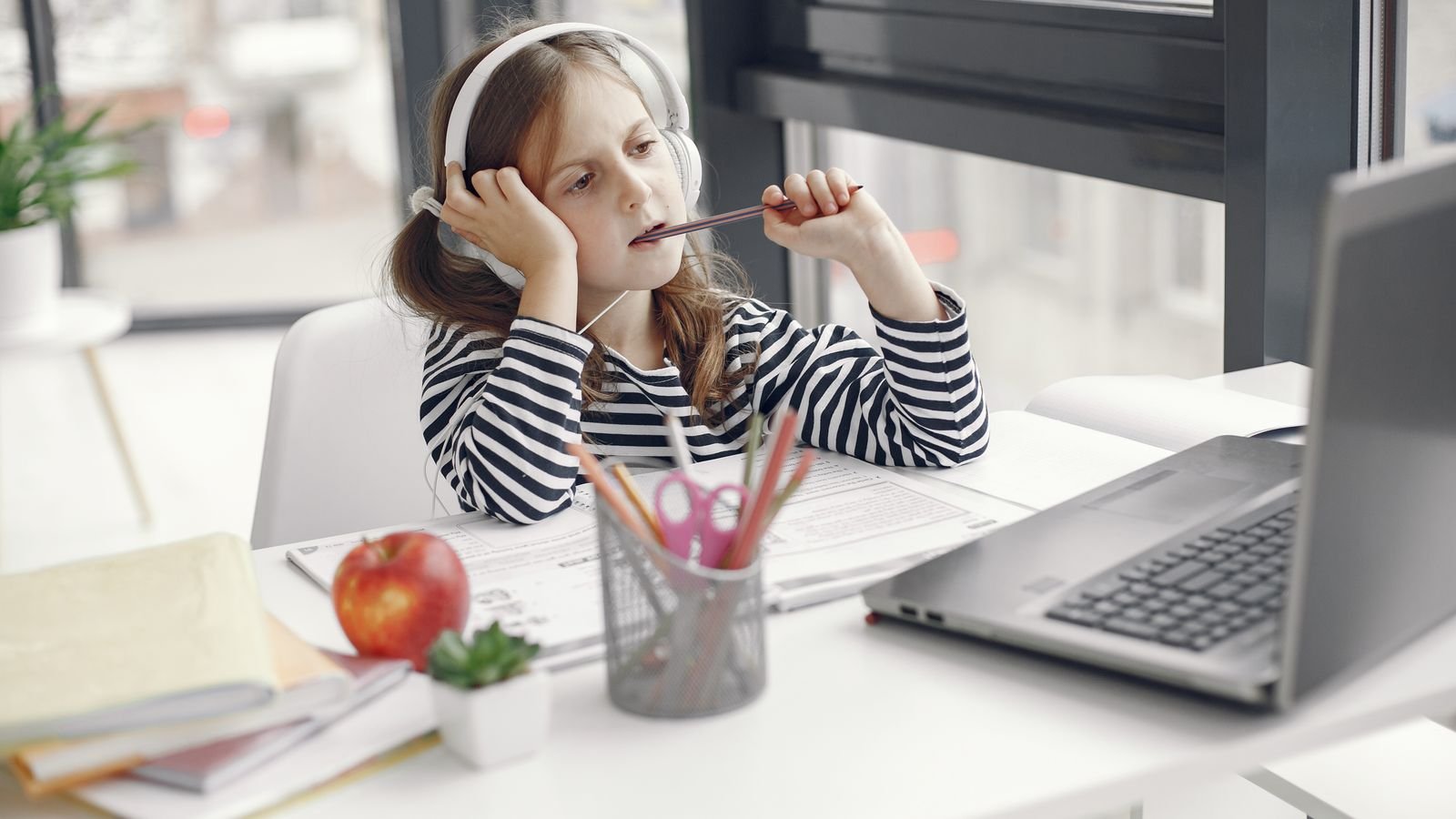
Most parents are asking the wrong question. The question is rarely “how many hours”, because two children can each spend ninety minutes on a laptop and end the evening in completely different states. One is calm, chatty and proud of something they worked out. The other is glassy eyed and irritable the moment you ask them to stop.
Same device. Same clock. Very different hour. This guide is about the difference, and about how to shift your child’s screen week towards the hours that actually build something, without a daily battle over the tablet.
Brain building screen time is any screen use where your child produces something, solves something, or talks with a real person who responds to them. That is the whole test. If at the end of the hour there is a drawing, a solved puzzle, a piece of code, a game they thought their way through, or a conversation they took part in, the brain has been working. If there is nothing to point to, the brain has mostly been receiving.
This matters because a child’s attention system is built by practice, exactly like a muscle. Effort, waiting, and finishing hard things strengthen it. Content that delivers a new hit of novelty every eight seconds does the opposite. It teaches the brain to expect stimulation without effort, which is why a child can come off a video app less able to sit with a maths worksheet than they were an hour earlier.
The difference is how much your child interacts with what is on the screen. Passive screen time is watching and scrolling, where content arrives whether the child does anything or not. Active screen time is creating, solving, building or talking, where nothing happens unless the child acts. Researchers increasingly treat these as two separate things rather than one lump of “screen time”, and a 2026 review of studies on preschool attention found that the two types relate to children’s attention in noticeably different ways.
A quick sorting exercise for your own home. Autoplay videos, short form scrolling, background television and watching someone else play a game all sit on the passive side. Drawing on a tablet, building in a construction game, writing code, a video call with grandparents, and a live lesson with a teacher who asks questions all sit on the active side. Most families find they have far more passive hours than they expected, and that the fix is not removing screens but changing what fills those hours.
One honest caveat. Active does not mean unlimited. A child still needs sleep, movement, boredom and face to face time, and even the best screen activity has to fit around those. Active simply means the hour is worth something.
Six things about children and screens that surprise most parents
Researchers now separate screen use into active and passive rather than measuring it as a single block of time, because the two behave differently.
Singapore’s Ministry of Health advises under one hour of screen use a day for children aged three to six, outside of school.
For ages seven to twelve, the same guidance suggests keeping recreational screen use under two hours a day, not counting schoolwork.
A television playing in the room counts as screen exposure even when nobody is watching it, and Singapore’s updated guidance asks families to switch it off.
Video chatting is treated as an exception in both Singapore and US guidance, because a real person is responding to the child.
Paediatric guidance has shifted away from counting minutes and towards what children watch, who they are with, and what the screen replaces.
Two sets of guidance cover most MasterMindz families, and they agree more than they differ. In January 2025, Singapore introduced updated screen use guidance as part of the national Grow Well SG strategy: no screen use at all below eighteen months apart from video calls, under one hour a day for children aged three to six outside school, and under two hours a day for ages seven to twelve excluding schoolwork. Preschools in Singapore now also limit screens to teaching and learning purposes rather than entertainment.
The American Academy of Pediatrics has moved in an interesting direction. Its 2026 policy statement on children and digital ecosystems puts far more emphasis on content, context and family habits than on a single magic number, and recommends practical rules such as one screen at a time, device free meals, and screens out of bedrooms. Parents can build their own household version using the AAP’s free family media plan tool.
Read together, the message is fairly clear. Keep the total modest, protect sleep and meals, and be much fussier about what the screen time is made of than about the last ten minutes on the clock.
Five categories reliably earn their place in a child’s week. First, live lessons with a real teacher, where a child has to answer, explain and be corrected in real time. Second, making things: drawing apps, stop motion animation, simple music software, anything that ends in a finished piece. Third, coding and building, from block based programming for younger children to real languages for older ones.
Fourth, strategy games and puzzles. Chess is the clearest example, because a single game asks a child to plan ahead, hold positions in memory, spot patterns and manage the frustration of a bad move, all at once. Solving a cube or working through a logic puzzle does something similar. Fifth, real conversation on video, whether that is a grandparent in another country or a friend they read a story with.
Notice what these five share. In every case the screen is a window onto a person or a problem. It is not the entertainment itself.
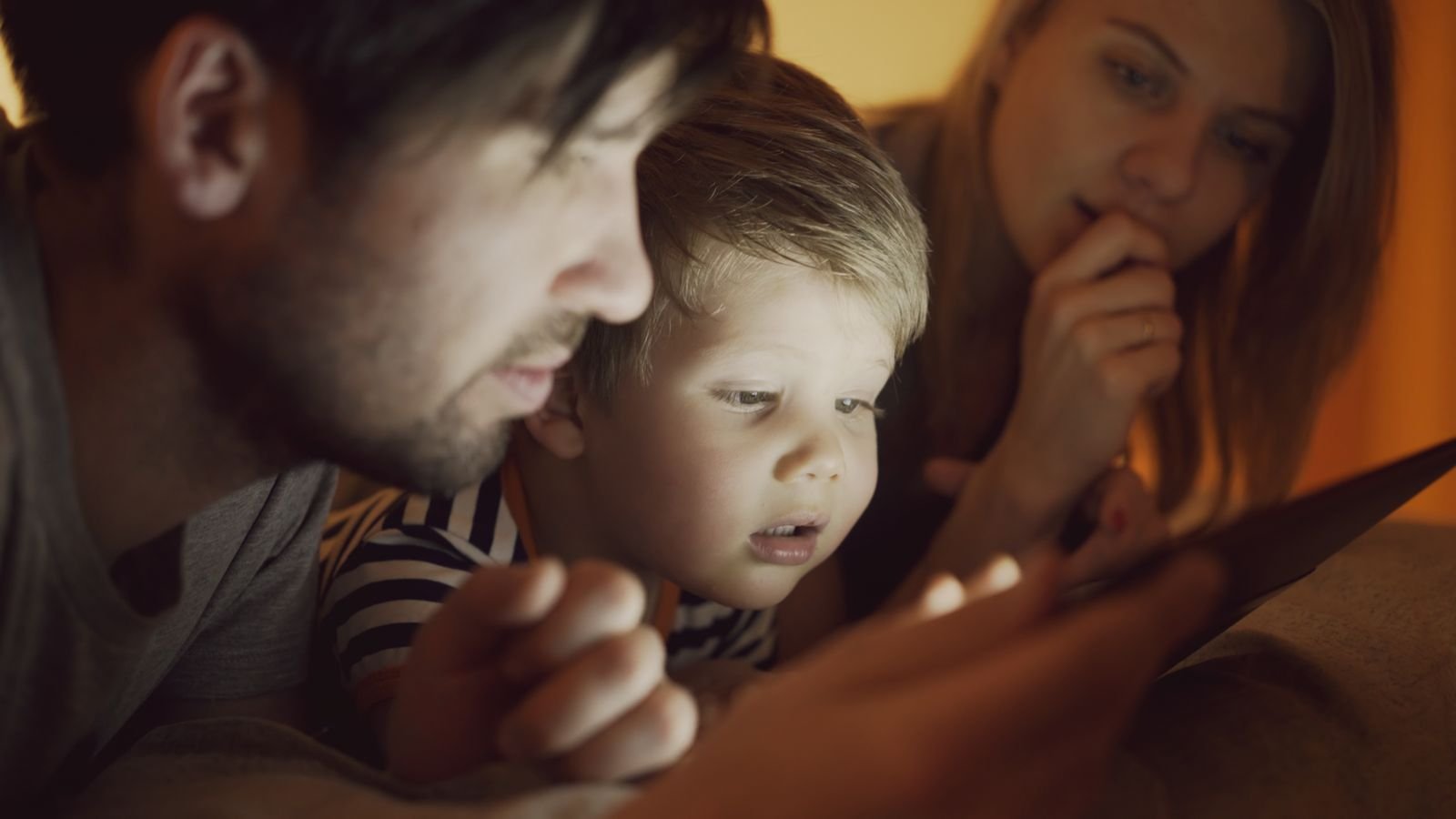
What counts as a healthy screen week changes a great deal between four and fourteen, so here is a practical picture for each stage.
Keep it short, keep it shared. Twenty to thirty minutes of something active, with you nearby, beats an hour alone. At this age the biggest win is talking about what is on the screen: ask what is happening, what might happen next, and why. Video calls with family are excellent. Fast paced entertainment content is the one to trim first.
This is the sweet spot for structured screen learning. Children can now sit through a thirty to forty five minute lesson, follow rules, and enjoy getting better at something measurable. Chess, cube solving and beginner coding all land well here. Set a clear pattern: lesson or creation first, entertainment after, never the other way around.
Independence grows and so does the pull of social content and gaming. Bring your child into the rule making now, because rules they helped write survive far longer. Agree what “finished” looks like for each session, and protect the hour before bed. Homework on a laptop counts as work, not leisure, and most guidance treats it separately.
Time limits work less well than shared standards at this age. Talk about what their screen use is giving back to them: a skill, a friendship, a portfolio, a rating that is climbing. Teenagers respond much better to “is this hour worth it” than to a countdown timer, and they are old enough to notice honestly when it is not.
You will usually see it in behaviour before you see it in the numbers. Watch for these six: your child struggles to stop even when the ending was agreed in advance, they are noticeably more irritable straight after screens than before, sleep gets shorter or harder to start, they lose interest in hobbies they used to enjoy, homework that used to take twenty minutes now takes an hour with frequent drifting, and conversation at meals dries up.
One or two of these on a busy week is normal life. Four or more, consistently, is a signal to look at what is filling those hours rather than simply cutting the total. In most homes, swapping passive content for something active fixes more than an outright ban does, and it causes far less conflict.
An app can teach content, but it cannot notice your child. That is the real difference. A well designed learning app adjusts difficulty from a score, while a live teacher sees a child hesitate, hears the uncertainty in a “yes I understand”, and changes the explanation on the spot. Children also work harder when a person is waiting for their answer, which is one of the quiet reasons live lessons hold attention that apps lose.
This is exactly what MasterMindz was built around. Every class is live and 1 on 1, so the lesson is shaped around one child rather than an average of thousands. Our most popular subject is online chess for kids, and families also learn maths, coding, Rubik’s cube, music and languages the same way. Because sessions are fully personalised, a shy seven year old and a competitive eleven year old get very different lessons even in the same subject.
Simple things you can try at home this week
Swap, do not subtract. Taking an hour away starts an argument. Replacing one passive hour with a lesson, a puzzle or a drawing session usually does not, because your child still gets their screen.
Name the hour out loud. Say “this is making time” or “this is watching time” before it starts. Children as young as five begin sorting screens for themselves once they hear the two categories.
One screen at a time. No television in the background while a tablet is on. Two screens at once splits attention and makes both hours less useful.
Protect the last hour before bed. Screens close, lights soften, books open. This single rule improves more behaviour the next day than almost any other change.
Sit in for the first ten minutes. Whatever the activity, join the opening minutes and ask one real question about it. Your interest turns a solo hour into a shared one.
Let them teach you. Ask your child to explain their chess move, their code, or the level they built. Explaining is the strongest way to lock in what they just learned.
Write the plan together. Ten minutes at the kitchen table, everyone including the adults, agreeing screen free zones and times. Rules children help write get broken far less often.
Read it aloud to your child and work it out together
Aarav is allowed 70 minutes of screen time on Saturday. He spends some of it drawing, twice as long as that on his chess lesson, and 10 minutes more than his drawing time reading a story on the tablet. He uses every one of the 70 minutes. How long did he spend on each activity?
Tap a question to reveal the answer
You do not need a new set of household rules this weekend. Pick one hour that is currently passive, most families know exactly which one it is, and give it a job. A chess lesson, a coding session, a drawing project, a video call with a grandparent. Watch what your child is like at the end of that hour compared with the one it replaced. That single comparison usually convinces a family faster than any guideline does.
If you would like the swapped hour to be a live class, a free trial is the easiest way to see how your child responds before deciding anything. No payment, no commitment, and you are welcome to sit in.
More for curious parents
MasterMindz offers live 1 on 1 online classes for children and has taught 750+ students across 11+ countries. Lessons cover chess, maths, coding, Rubik’s cube, music and languages, taught by experienced tutors and built around one child at a time. Every family starts with a free trial class.