September 28, 2026
My child is learning coding can mean almost anything. Here is what children can realistically build with code at ages 8, 10 and 12, and what each project teaches.


Your child can write a working program before they can read a chapter book. Here is how.
Most parents assume coding requires reading, typing and a fair amount of maths. For a five year old, none of that is true. A child who is still sounding out three-letter words can build a working program in an afternoon, because the earliest coding tools removed the writing and kept the thinking.
This is what block coding is, what your child genuinely learns from it, and how to tell whether they are getting anything real out of it.
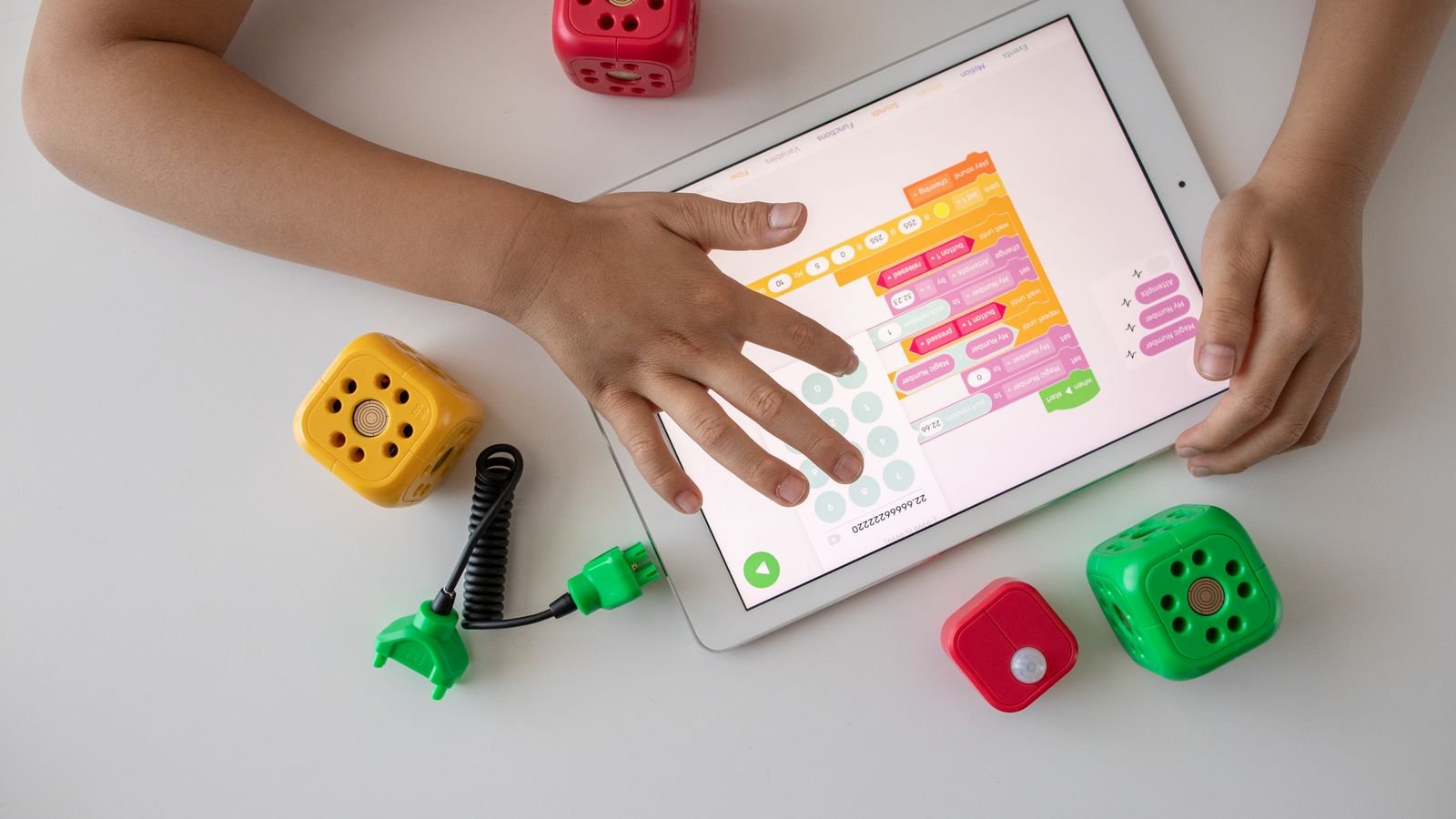
Block coding is programming with jigsaw pieces instead of typed text. Each instruction is a coloured block with a picture on it: an arrow for “move”, a musical note for “play a sound”, a curved arrow for “do it again”. The child drags blocks into a row, taps play, and the character on screen carries out the instructions in that exact order.
The clever part is what the blocks refuse to do. Pieces only snap together in combinations that make sense, so a child physically cannot write an instruction the computer will not understand. There are no spelling mistakes, no missing brackets, no error messages. Everything the child builds runs.
That single design decision is why five year olds can do this. In typed code, a beginner spends most of their energy fighting punctuation. In block coding, all of that energy goes into the actual question: what should happen next?
Through pictures, colour and immediate feedback, rather than words. In ScratchJr, which is designed for ages 5 to 7, a child never needs to read an instruction to know what a block does. The arrow block is an arrow. Tap it, and the cat moves. The child learns the meaning by watching the result, which is how they learned most things at that age.
Feedback is the second half of it. When your child drags a block and taps play, something happens within a second. If it was wrong, they see it was wrong, immediately, without anyone telling them. Very few learning experiences at that age are this direct, and it is why children will happily repeat the same experiment twenty times.
The Raspberry Pi Foundation notes that ScratchJr gives children 28 blocks to choose from, ranging from simple appearance blocks to more demanding ones such as loops and messaging. That is a small enough set for a child to explore fully, and a large enough one to build something genuinely their own.
Six things about block coding that surprise parents
ScratchJr gives children just 28 blocks, and that small set is enough to build complete interactive stories and games.
ScratchJr was designed specifically for this age group, with an interface made for children who are still learning to read.
Singapore’s national coding programme for primary students is taught using visual block-based programming, the same family of tools.
Blocks only connect in valid ways, so a child cannot write a broken instruction. Every program they build will run.
Scratch and ScratchJr were developed with the MIT Media Lab, and both are completely free to use.
The main Scratch platform is recommended for ages 8 to 16, so blocks stay useful long after the first year.
Four ideas, and every one of them is a real programming concept that a professional engineer uses daily. They are simply wearing a friendlier costume.
Order matters. “Jump then move” gives a different result from “move then jump”. This sounds obvious to an adult, and it is a genuine discovery for a five year old.
Instead of dragging the same block eight times, use one repeat block set to eight. Children love this one, because it feels like a shortcut they have been let in on.
Something causes something else. “When the flag is tapped, start.” “When you bump the dog, make a sound.” This is cause and effect made visible and controllable.
The most valuable one. The program did something unexpected, so we look at it, work out which block is wrong, change it and try again. A child learning this at five is learning that being wrong is a step, not a verdict.
Research backs up how much of this genuinely lands. A study of ScratchJr with preschool children aged 4 to 6 found real gains in computational thinking, including in concepts such as algorithms and representation, after only a short structured intervention.
For ages 5 to 7, ScratchJr is the standard choice, and for ages 8 and up, the full Scratch platform. MIT recommends Scratch for ages 8 to 16 and points younger children towards ScratchJr, which is a simplified version of the same idea.
The practical difference is depth. ScratchJr keeps the block set small and the interface uncluttered, with no reading required. Scratch adds variables, sensing, sound editing, cloning, and a large online community where children can look inside other people’s projects. Scratch also brings a screen busy enough to overwhelm a five year old, which is the whole reason the junior version exists.
There are other block tools, including robot kits where the code drives a physical object. These are excellent for children who need to touch things to stay engaged. The underlying logic is identical, so the choice is about your child’s temperament rather than the quality of the tool.
Yes. Block coding uses the same concepts as typed code, and a child who understands loops and conditionals in blocks understands them everywhere. What blocks remove is syntax, which is the punctuation and spelling of a programming language. Syntax is the least interesting part of coding and the part that changes fastest.
This matters because languages go out of date. Singapore’s Ministry of Education made exactly this point in a parliamentary reply on coding in the mainstream curriculum, noting that because programming languages change and become outdated, the emphasis belongs on computational thinking, problem solving and logical reasoning. Block coding teaches precisely those things.
The fair criticism is that blocks alone are not enough forever. A child who stays in blocks until sixteen has missed something. But for a five or six year old, blocks are not a compromise. They are the correct tool.
A good first block coding lesson ends with the child having made something move that they chose themselves. Not a worksheet, not a tour of the menus. Something silly and theirs.
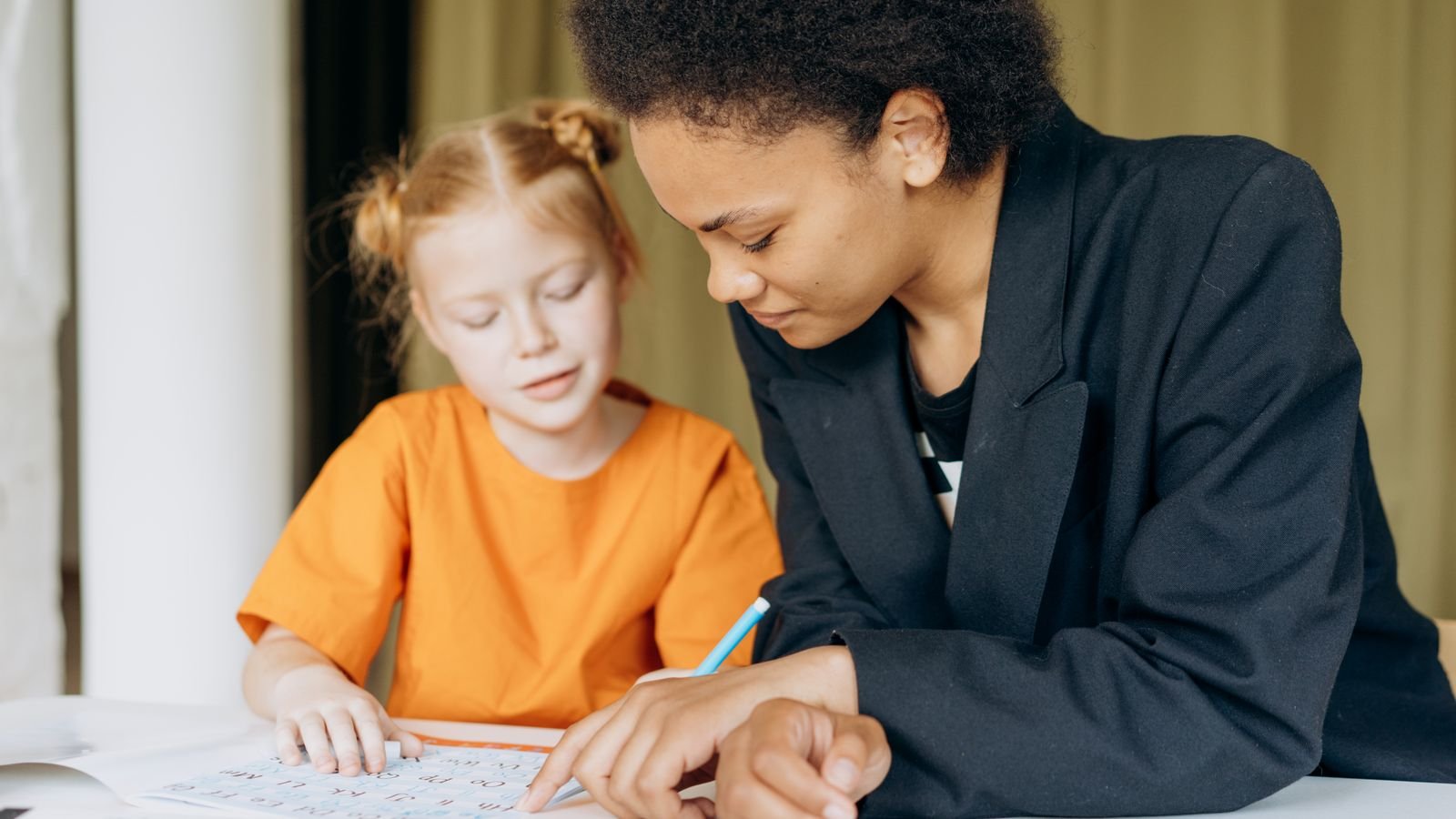
The usual shape: five minutes of the tutor asking what the child likes, ten minutes of free tapping while the tutor watches how they explore, then a small guided build such as making a cat walk to a ball and make a sound. Then the important bit, where the tutor deliberately breaks it and asks the child to fix it. Finishing with a repair rather than a success is what teaches persistence.
Warning signs in a first lesson: the child is watching more than doing, the tutor takes control of the mouse, or the lesson follows a script regardless of what the child finds interesting. At this age, engagement is not a nice extra. It is the entire mechanism.
Move on when the blocks start feeling slow, which for most children is somewhere between eight and eleven. The signals are clear enough: your child builds things faster than the tutor plans them, asks how to make the program do something the block set cannot, or starts finding the projects too easy rather than too hard.
The path from there usually runs through the full Scratch platform first, then into typed Python around age ten. Nothing is thrown away in that transition. A loop in Scratch and a loop in Python are the same idea in different clothing, which is why children who spent a proper year in blocks find typed code surprisingly easy.
Do not rush it. There is no prize for reaching Python early, and a child pushed across too soon often loses the confidence they built in blocks.
Simple things you can try at home this week
Download ScratchJr tonight. It is free, works on a tablet, and needs no account. Twenty minutes of free tapping is the best possible introduction.
Play “human robot” at breakfast. Your child gives you instructions, one at a time, and you follow them exactly. The comedy of getting it wrong teaches sequencing better than any app.
Ask them to predict before tapping play. “What do you think the cat will do?” That one question turns tapping into thinking.
Break their program on purpose, gently. Swap two blocks while they watch, and ask them to fix it. Children find this hilarious and it builds real debugging skill.
Do not touch the screen. Point, suggest, ask questions, but let their finger do every drag. The moment an adult takes over, the learning stops.
Let them show off. Have them present the finished project to a grandparent over a video call. Explaining it cements it.
Stop before they are tired. Fifteen to twenty minutes is plenty at five. Ending while they still want more is what makes tomorrow easy.
Six statements about coding. Tap to see if you were right
Tap a question to reveal the answer
You do not need to decide anything today. Download a free block coding app, sit next to your child, and give them twenty minutes with no instructions at all. Watch whether they keep experimenting once you stop suggesting things. That is the only signal that matters at this age.
If they are still going when you get up to make tea, they are ready for something structured, and a single trial lesson with a tutor will show you exactly where to start.
MasterMindz teaches children worldwide through live, personal 1 on 1 online classes in coding, chess, maths and more, with experienced tutors and a fun, individual approach. MasterMindz has taught 750+ students across 11+ countries, and every child starts with a free trial class.