September 28, 2026
My child is learning coding can mean almost anything. Here is what children can realistically build with code at ages 8, 10 and 12, and what each project teaches.


And 3 signs they simply need a gentler place to start
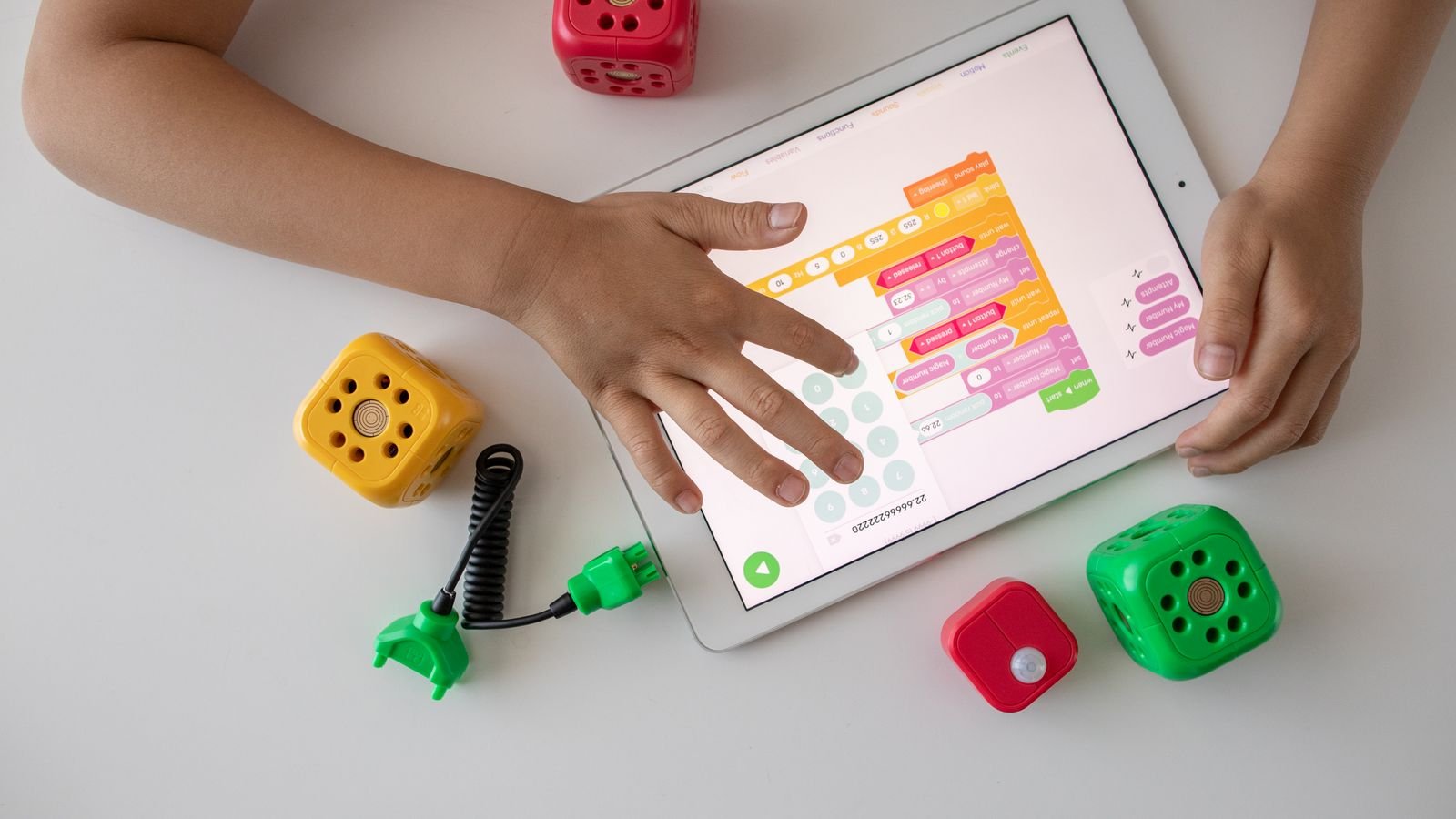
You do not need to buy a course, a robot kit or a subscription to find out whether your child will enjoy coding. The signs are already there, in the way your child plays, argues, builds and asks questions. Most of them show up long before a keyboard does.
This guide gives you ten honest signs that a child is ready to enjoy coding, three signs that they need a gentler entry point instead, and a simple way to test the whole idea in one class without committing to anything.
Coding readiness is about thinking, not typing. A child is ready to code when they can follow a sequence of steps, notice when something has gone wrong, and try a different approach without falling apart. That is the whole foundation. Everything else, the language, the platform, the software, sits on top of it.
Educators call this computational thinking, and research suggests it develops early and is supported by things that look nothing like programming. Studies of young learners have found that spatial reasoning is closely tied to how young children engage with coding, which is why children who love building, mazes and puzzles often take to it fastest. A wider review of studies on coding tools for young children found that these skills can be built playfully well before a child writes a single line of text.
So when you read the signs below, do not look for a child who is glued to a screen. Look for a child who is stubborn about figuring things out.
If your child shows five or more of these, they will very likely enjoy coding. Three or four is still a strong yes. These are habits of mind, and they show up at home long before they show up on a screen.
A child who wants to know how the lift knows which floor to stop at, or how the game knew they lost, is already thinking about systems and rules. That is the exact instinct coding rewards.
Torches, old remotes, pens, toys. Taking apart is an early form of debugging. The child is asking what is inside this and what happens if I change it.
Lego, blocks, Minecraft builds, dens made of cushions. Coding is building with logic instead of bricks, so a builder usually converts quickly.
If your child spots that you skipped a step in a board game or that the story does not match what happened yesterday, they have a strong sense of consistency. Programs run on consistency.
Can your child explain a game to a younger cousin so the cousin can actually play it? That is sequencing, and it is the single most useful skill on day one of coding.
Nobody’s child retries every time. But if there is any activity where your child fails and goes back in, coding will feel familiar rather than punishing.
Spotting patterns in numbers, music, tiles or sequences maps directly onto loops, which are one of the first real concepts children learn.
What if we did it backwards. What if there were two of them. Conditional thinking, the if this then that logic at the heart of every program, starts here.
A child who plays a game and then says it would be better if the character could fly is describing a feature request. Coding lets them build it instead of wishing for it.
Coding produces something the child can show, share and play. For children who are motivated by making something real, that feedback loop is powerful.
Six things about coding that surprise most parents
In 1947, engineers found a moth stuck inside a Harvard computer. They taped it into the logbook. That is where the word debugging comes from.
Professional programmers spend more time finding and fixing mistakes than writing new code. Being wrong is not failure here. It is the job.
Since 2020, every upper primary student in Singapore goes through a coding and computational thinking programme, and more than 50,000 students are reached each year.
Researchers at MIT designed Scratch around coloured blocks you drag together, so a child can build a working program without spelling anything correctly.
Researchers studying young coders found that the ability to picture how things move and fit together strongly supports early coding.
Ada Lovelace wrote the first algorithm in 1843, roughly a century before a machine existed that could run it.
These are not signs your child cannot code. They are signs that the usual big group class, fast pace and self study video will not work, and that a slower, more personal start is needed instead.
If a wrong answer ends the activity, a normal coding class will feel like a wall of wrong answers. This child needs a teacher who can catch the frustration in the moment and turn the error into the interesting part. That is very hard in a class of fifteen and very easy in a class of one.
If screen time is a daily battle in your home, adding a screen based subject can backfire. The fix is to start away from the computer. Unplugged coding, which uses cards, movement and spoken instructions, teaches the same logic with no device at all, and it works well for children aged 6 to 9.
Some children have no interest in an exercise for its own sake. They want to make something that matters to them. Do not start this child on puzzles. Start them on a project, a birthday card animation for a grandparent or a quiz game about their favourite football team, and teach the concepts inside it.
Then wait a term, and try an unplugged version first. Interest in coding often arrives suddenly, usually when a child sees something they want to build. Pushing a disinterested seven year old into a structured class rarely creates a coder, and it can create a child who now believes they are bad at technology.
In the meantime, feed the underlying skills. Board games with rules, mazes, Lego instructions, cooking from a recipe and simple treasure hunts all build sequencing and logic. When the interest does arrive, the child will move much faster because the thinking is already there.
The right first step depends far more on age than on talent. Here is a realistic picture of what each stage looks like.
If you are in Singapore, your child has probably met coding already. The Code for Fun programme run by IMDA and MOE gives upper primary students ten hours of computational thinking and coding, and more than 50,000 students go through it each year. Ten hours is an introduction, not a foundation, which is why so many Singapore parents look for something more personal alongside it.
Block based tools such as ScratchJr, plus unplugged games. Sessions should be short, around 30 minutes, and every session should end with something the child can show you. The goal is not skill. It is the belief that they can make the computer do what they want.
Scratch is the sweet spot. Children build games, animations and quizzes, and start meeting genuine logic, loops, variables and conditions. This is also when debugging becomes a real skill rather than an accident.
Python is the usual first text language because it reads almost like English and punishes typos gently. Web basics, HTML and CSS, work well here too, because the results are instantly visible. Many children at this age also want to know how apps and AI actually work, and that curiosity is worth following.
Start with Scratch if your child is under 10, and start with Python if they are over 11 and already comfortable typing. The reason is simple. Scratch removes spelling and punctuation from the equation so the child can concentrate on logic. Python reintroduces them, which is fine once typing is not the hard part.
The one mistake worth avoiding is skipping straight to Python because it sounds more serious. A nine year old who spends the first month fighting indentation errors usually concludes that coding is boring, when in fact they never got as far as the coding.
The most common mistake is measuring progress by how much code the child has written. In the first month, the things worth watching are whether your child talks about their project unprompted, whether they try to fix something before asking for help, and whether they open the tool on a day when there is no class.
Three more worth avoiding. Do not sit beside them and correct every error, because the correcting is the learning. Do not compare them to a cousin who started earlier. And do not buy a year long package before your child has finished a single project, because interest at this age is real but rarely predictable.
Six things you can try at home this week, no computer required
Play the literal robot. Ask your child to give you exact instructions for making a sandwich or brushing your teeth. Follow them exactly, mistakes included. They will laugh, then start giving better instructions. That is sequencing.
Ask what would happen if. Before they press a button in a game or an app, ask them to predict the result. Predicting then checking is the core loop of programming.
Praise the fix, not the answer. When something finally works, ask how they found the problem. Naming the fix out loud is what turns luck into method.
Let them break something safe. Change a setting on an old device and change it back. Children who are afraid of breaking things are slow to experiment.
Start with a project they care about. A game about their pet, a card for a grandparent, a quiz about their favourite team. Motivation carries a child through the boring parts.
Keep first sessions to 30 minutes. Stop while they still want more. A child who ends every session mid enthusiasm comes back willingly next week.
A two minute game you can play at the dinner table
A child gives a robot these instructions for making a jam sandwich. The robot follows them exactly, in order, with no guessing.
1. Spread the jam. 2. Open the jam jar. 3. Take two slices of bread.
Tap a question to reveal the answer
The fastest way to answer this question is one real class with a real teacher, watching what your child does when something does not work. You will know within twenty minutes. A child who leans in when the program misbehaves is a child who will enjoy coding. A child who leans back needs a different entry point, and a good tutor will tell you which one.
That is exactly what a free trial is for. There is no cost, no package, and no obligation to continue. You get to watch your own child, in a real lesson, and decide from evidence instead of guesswork.
MasterMindz teaches children worldwide through live, personal 1 on 1 online classes in coding, chess, maths and more. MasterMindz has taught 750+ students across 11+ countries, and every family starts with a free trial class before deciding anything.