September 28, 2026
My child is learning coding can mean almost anything. Here is what children can realistically build with code at ages 8, 10 and 12, and what each project teaches.


Ten free projects sorted by age, from a first dancing name in ScratchJr to a real Python guessing game.
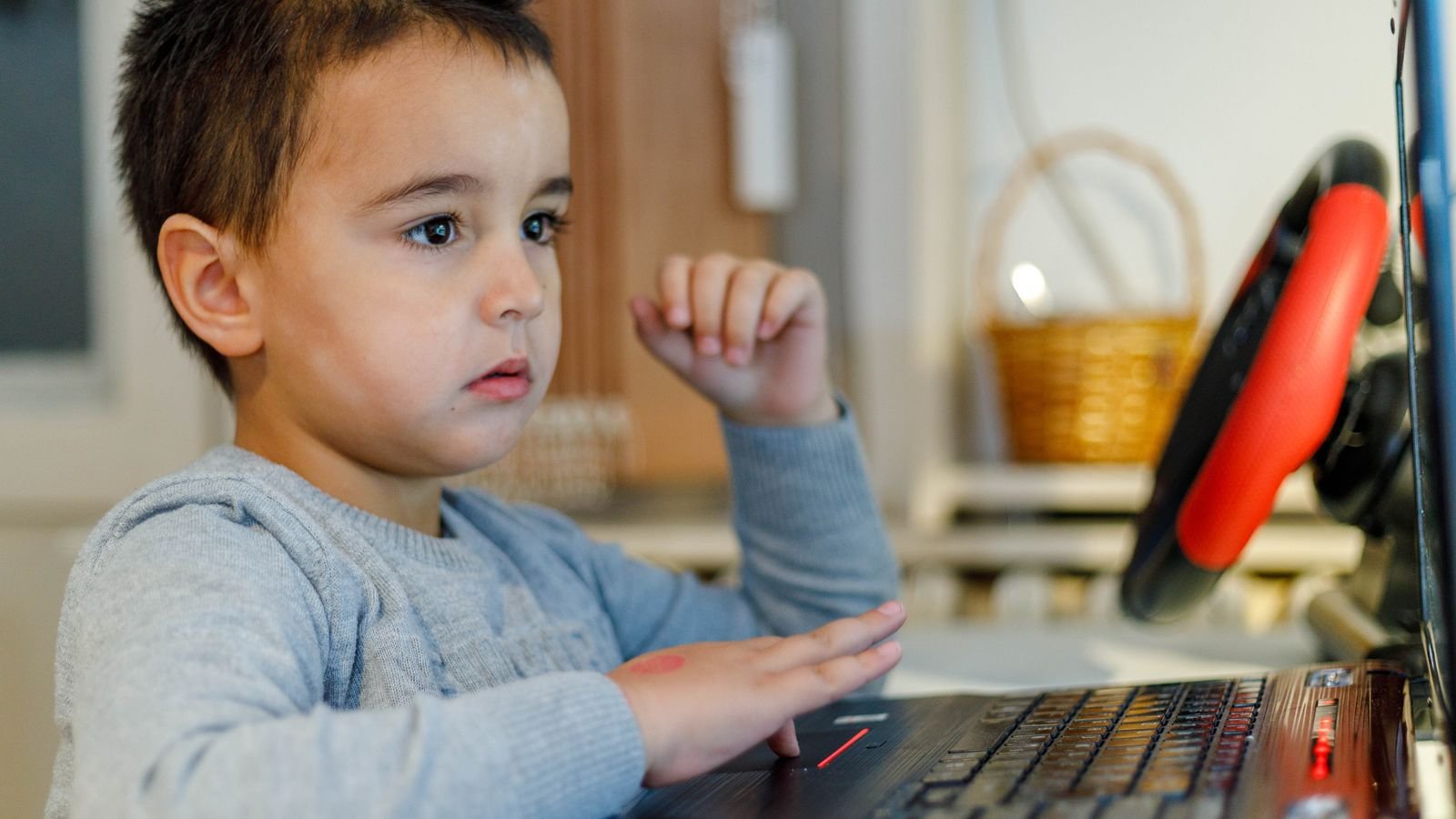
Children do not learn to code by learning about coding. They learn by building something small, showing it to someone, and immediately wanting to build a slightly bigger one. That loop is the whole method, and it works at the kitchen table just as well as in a classroom, as long as the projects are the right size.
Below are ten beginner projects, grouped by age and tool, with a realistic time for each. Every one of them is free, every one produces something your child can show off at the end, and none of them require you to know how to code yourself.
A good first project is finishable in one sitting and shareable at the end of it. Those two conditions do most of the work. If a project takes three sessions, a beginner loses the thread. If it produces nothing worth showing a grandparent, the motivation to start the next one quietly disappears.
The other rule is that the project should be one step past what your child can already do, not five. When a child builds a game and then wants to add a score, that is the correct next project. Adding a score, two levels, sound effects and a menu at once is not. Keep the steps small and the confidence compounds surprisingly fast.
You need ScratchJr for younger children and Scratch for older ones, and both are free forever. Scratch is a browser based visual language from the Lifelong Kindergarten group at the MIT Media Lab. Children snap coloured instruction blocks together instead of typing, which removes spelling mistakes from the equation entirely and lets a beginner concentrate on logic.
ScratchJr is the younger sibling, designed for ages 5 to 7, and runs as a free app on iPads, Android tablets and Chromebooks. It uses icons instead of words, so a child who cannot yet read can still program. For projects 9 and 10 you will also want Python, which is free to install, though a browser based Python editor works fine and avoids any setup.
Start with three tiny projects that each take under half an hour and teach one idea apiece. At this age the aim is not to teach programming concepts by name. It is to let your child discover that the tablet does exactly what they tell it, no more and no less.
Project 1: The dancing name. About 15 minutes. Your child picks a character, then makes it hop, spin and grow every time the green flag is tapped. Concept learned: a sequence runs in order. Finish by having them record their own voice saying their name.
Project 2: A two character conversation. About 25 minutes. Two characters take turns speaking, using wait blocks so they do not talk over each other. Concept learned: timing and turn taking. This one is a favourite because children write the dialogue, and the dialogue is usually very funny.
Project 3: Escape the maze. About 30 minutes. Draw a simple maze background, then program a character to travel through it without touching the walls. Concept learned: precise instructions and fixing them when they fail. Expect several failed runs, and let them happen.
These three projects turn your child from someone who makes things move into someone who makes things playable. Each introduces one genuine programming concept, and each results in a game other people in the house can actually play, which is the entire point.
Project 4: Catch the falling fruit. About 45 minutes. A basket moves left and right with the arrow keys while fruit falls from the top. Concepts learned: keyboard events, collision detection and variables, since the score has to be stored somewhere. This is the classic first real game and it almost never fails to land.
Project 5: The family quiz. About 40 minutes. Five questions about family members, with the program checking answers and keeping score. Concepts learned: input, conditionals and comparison. Children love this one because they get to be the examiner for once.
Project 6: Bouncing ball bat game. About 60 minutes, or two sessions. A ball bounces around the screen and the player must not let it hit the floor. Concepts learned: continuous loops, direction and angles, and a lives counter. This is the first project where your child will need to plan a little before building.
Six facts worth knowing before your child’s first project
Scratch is a project of the Lifelong Kindergarten group at the MIT Media Lab. It costs nothing and runs in any browser.
ScratchJr was designed for ages 5 to 7 and works free on iPads, Android tablets and Chromebooks.
Children aged 4 to 6 have been observed finding and fixing errors in robot programs with no training in debugging at all.
A three week ScratchJr programme with children aged 4 to 6 measurably improved their computational thinking.
Children aged 5 to 9 who coded for seven weeks gained thinking skills equal to roughly six months of ordinary development.
Block languages remove syntax errors entirely, so a beginner never loses an afternoon to one missing bracket.
These two projects are the ones that convert sceptical children, because they show the machine doing something a human simply cannot do by hand. Both use Scratch and suit ages 8 and up.
Project 7: Spiral art with the pen. About 30 minutes. Using Scratch’s pen extension, the character draws a line, turns slightly, and repeats a few hundred times. The result is a spirograph pattern that appears in seconds. Concept learned: loops, and the moment a child realises that changing one number changes the whole picture is genuinely magical.
Project 8: The times table trainer. About 40 minutes. The program generates random multiplication questions, checks the answer and tracks a streak. Concept learned: random numbers and conditionals. There is an obvious side benefit here, and children practise far more willingly on a program they built themselves.
Move to Python only once your child is comfortable planning a Scratch project without help, which is usually somewhere around age 10 or 11. The switch to typed code is a real jump, because now spelling matters, so keep the first two projects deliberately tiny.
Project 9: The silly story generator. About 30 minutes. The program asks for a noun, a verb and an adjective, then drops them into a prewritten story. Concepts learned: input, variables and printing. Ten lines of code, enormous laughs, and a very gentle first meeting with typed syntax.
Project 10: Guess my number. About 45 minutes. The computer picks a number between 1 and 100 and tells the player whether each guess is too high or too low. Concepts learned: loops, conditionals and comparison. Finish by asking your child to add a guess counter, which is their first real independent extension.
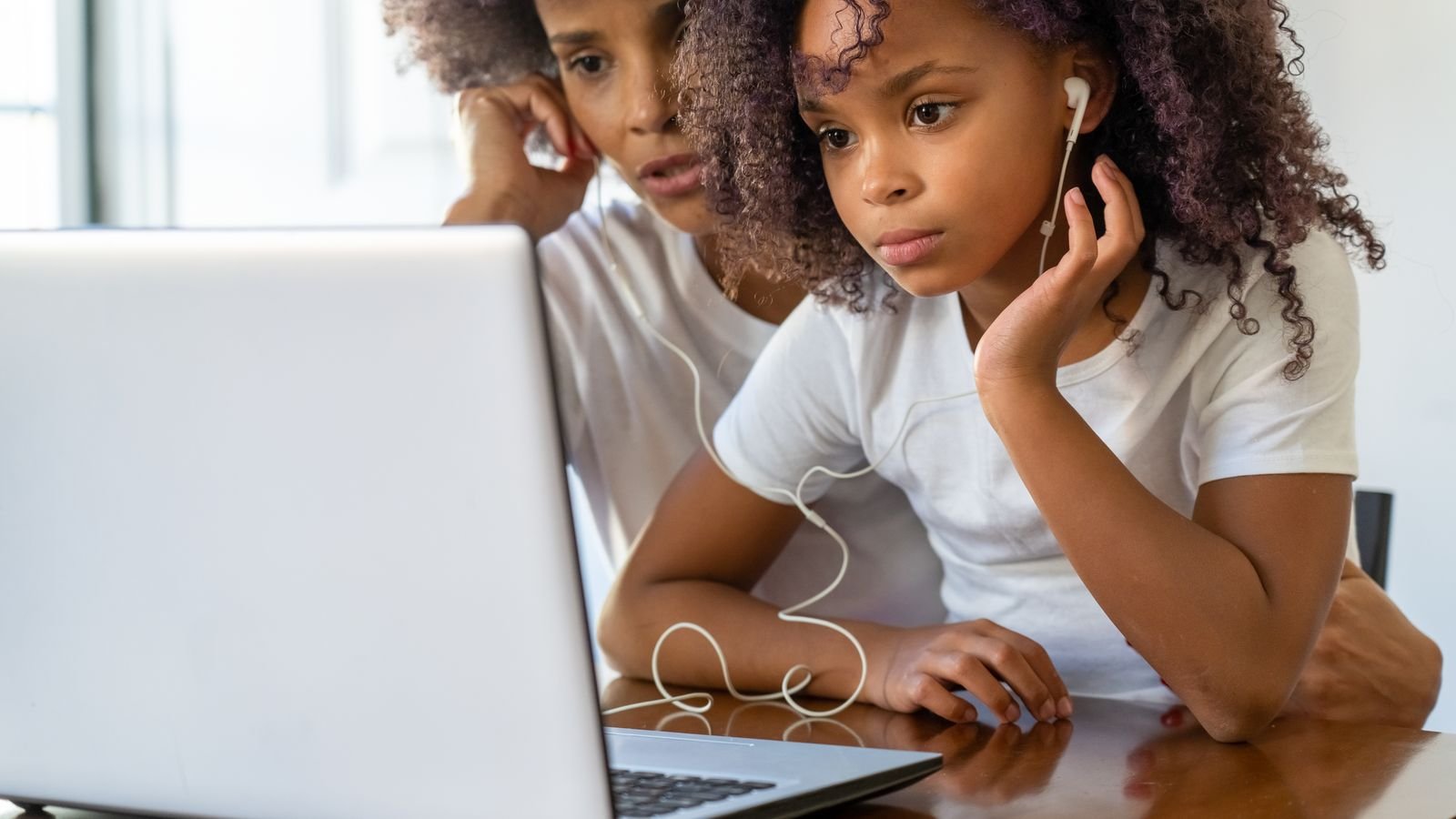
Do not try. Pick four, one per week, and let your child repeat the ones they loved. Ten projects in four weeks would mean two or three a week, which turns a hobby into homework faster than anything else. The list above is a menu, not a syllabus.
A pattern that works well for most families: one 30 minute build session midweek, and one 20 minute session at the weekend where your child improves last week’s project instead of starting a new one. Improving beats starting, because the second pass is where real learning happens. By week four your child will have four finished projects and, far more importantly, the habit of finishing.
The most common mistake is taking the mouse. When a child gets stuck, the instinct to reach over and fix it is strong, and it removes the exact moment the learning was about to happen. Ask a question instead. What did you expect it to do, and what did it do?
The other four, briefly. Choosing projects your child did not ask for, which kills motivation before block one. Starting too big, so nothing ever gets finished. Correcting the code rather than letting the program show the mistake, since the screen is a far more patient teacher than a parent. And running sessions past the point of tiredness, which teaches a child that coding ends in frustration. Stop while they still want ten more minutes.
Six things that make home coding sessions work
Fix the slot, not the mood. Same two times each week, written on the fridge. Coding “when we feel like it” quietly becomes coding never.
Let them demo it to someone. A grandparent on a video call, a sibling, a neighbour. The audience is half the motivation and costs nothing.
Screenshot the bugs. Keep a folder of things that went wrong and what fixed them. Children love looking back at problems that now seem easy.
Ask them to teach you. Five minutes of your child explaining their project to you does more for understanding than another five minutes of building.
Keep a “next time” list. Every idea they have mid project goes on the list instead of into the current build. It protects finishing and guarantees the next session has a purpose.
Stop one step early. End the session while there is still something exciting left to add. Wanting to come back is worth more than any extra ten minutes.
A tiny program to work out together, no computer needed
A cat starts at the number 0. It follows these instructions. What number does it end on?
Repeat 3 times: add 3. Then: take away 4.
Tap a question to reveal the answer
Home projects take a child a long way, and then they hit a ceiling. It usually arrives at the same point for everyone: your child has an idea that is bigger than what they know how to build, and no amount of clicking through tutorials gets them there. That frustration is a good sign, not a bad one, and it is the natural moment for a teacher.
A tutor working with one child can look at a half finished project and see exactly which single concept is missing, which is very hard to find on your own. Until then, build the ten projects above, keep the sessions short, and let your child show you what they made.
More for curious parents
MasterMindz offers live 1 on 1 online classes for children and has taught 750+ students across 11+ countries. Coding lessons are built around projects the child actually wants to make, taught by an experienced tutor working with one student at a time. The first trial class is free.