September 7, 2026
You do not need to buy a course, a robot kit or a subscription to find out whether your child will enjoy coding. The signs are already there, in the way your child plays, builds and asks questions.


A realistic, age-by-age guide to the games, apps and inventions children can make, and what each project quietly teaches them.
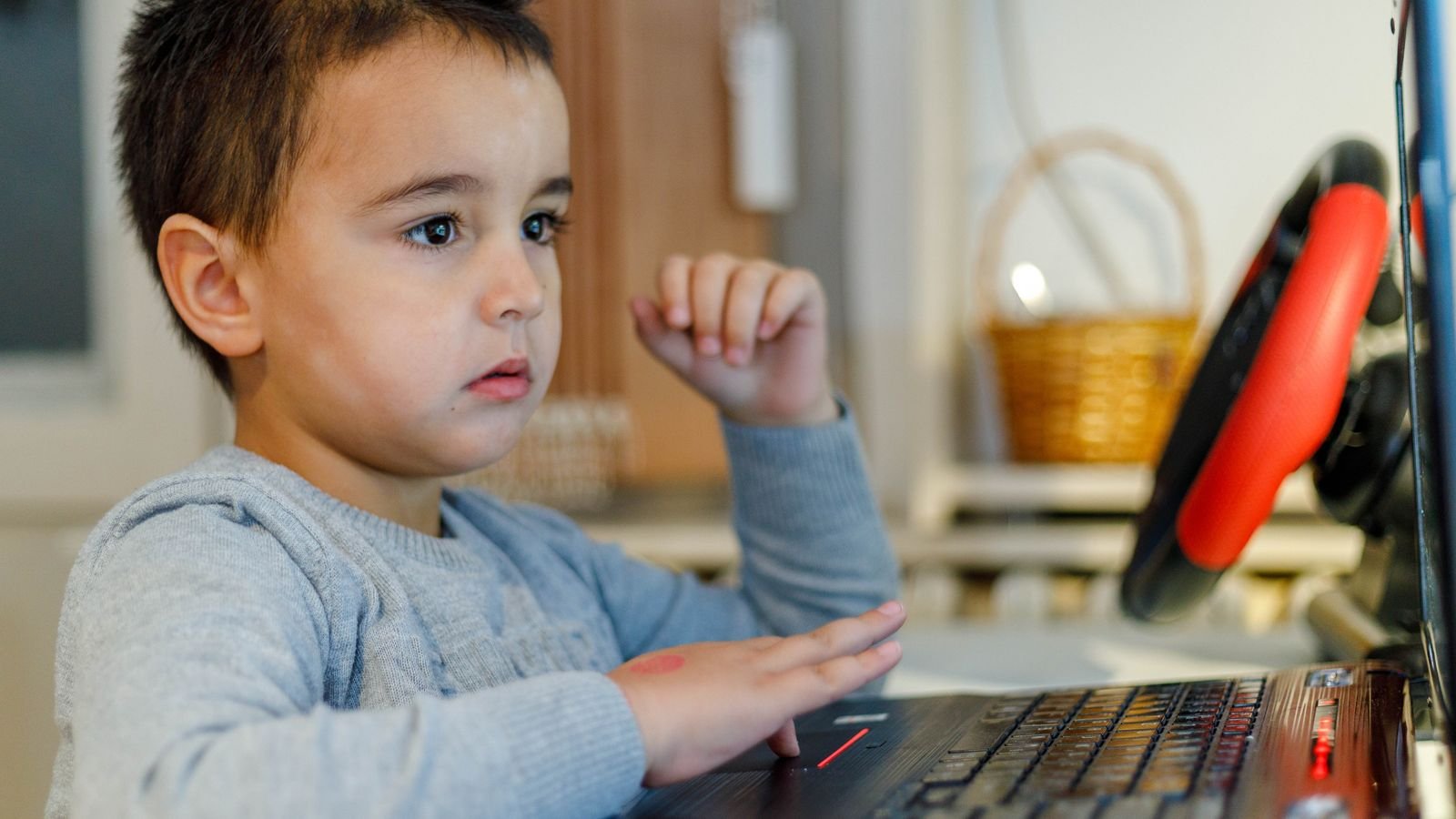
“My child is learning coding” can mean almost anything. For one family it means dragging a cartoon cat across a screen. For another it means a working app on the family phone. So what should you actually expect your child to build, and when?
Parents ask this because they want to know whether classes are working, whether their child is behind, and whether the next step is too big. This guide gives realistic examples of coding projects for kids at ages 8, 10 and 12, explains what each type of project teaches, and shows you how to tell if your child is genuinely moving forward. The ages are guides rather than rules, and we explain why further down.
Kids can build far more with code than most parents expect: animations and simple games at around 8, multi-level games and programmed robots at around 10, and real apps, Python programs and websites at around 12. Each stage builds on the one before, so the jump from a moving cartoon to a working app is really a series of small steps.
The tools change as children grow. Younger children use block-based coding, where commands snap together like puzzle pieces and there are no spelling mistakes to stop them. Older children gradually move to typed languages like Python, where they write real lines of code. Both are genuine programming. The blocks simply let a child focus on logic before they have to worry about typing and punctuation.
Children aged 5 to 7 can build short animated scenes and simple interactive stories using picture-based tools, and that is exactly the right amount. At this age, coding is really about sequencing: putting instructions in the right order and predicting what will happen.
The Scratch team recommends a simplified app called ScratchJr for this age group, with picture blocks that need little reading. A typical project is a character who walks across a park, says hello and jumps. It sounds small, but a child who can plan that sequence, test it and fix the step that went wrong has already used the core habit of every programmer: try, check, adjust.
At around age 8, most children can build interactive stories, animated greeting cards and their first simple games using Scratch. According to the Scratch team at MIT, the platform is designed especially for ages 8 to 16, which makes 8 a natural starting point for full block-based coding.
Typical projects at this stage include a birthday card where characters dance and play music when clicked, a “choose your own adventure” story where the reader picks what happens next, a catch game where a basket moves left and right to catch falling fruit, and a maze where a character must reach the exit without touching the walls.
These projects introduce three big ideas without any lectures. Events (“when this is clicked, do that”), loops (“keep doing this forever”) and simple conditions (“if the cat touches the wall, go back to the start”). Many beginners finish a simple catch or chase game within their first few lessons, and the pride of playing their own game is often what keeps them coding.
Coding facts your child will enjoy
Scratch is designed especially for ages 8 to 16, and its little sibling ScratchJr is built for ages 5 to 7.
Scratch is used in more than 150 countries and is available in more than 40 languages.
Since 2020, every upper primary student in Singapore goes through the Code for Fun programme or a comparable coding programme.
In 1947, engineers found a real moth stuck inside the Harvard Mark II computer and taped it into their logbook.
Ada Lovelace published what is often called the first computer program in 1843, a century before modern computers existed.
MIT App Inventor lets children build real phone apps with blocks and test them live on a phone while they work.
At around age 10, children with a year or so of experience can build proper games with scores, levels, lives and timers, and many can program simple robots and microcontrollers. This is the stage where projects start to feel like “real” games rather than demonstrations.
Typical projects include a platform game where a character jumps between ledges and moves to a harder level after collecting coins, a times-table quiz that keeps score and speeds up as the player improves, a digital pet that gets hungry if it is not fed, and a small robot that follows a line or avoids obstacles.
Behind the fun, these projects introduce variables (a score or number of lives that changes), more complex conditions (“if lives equal zero, show Game Over”), and breaking a big project into smaller parts. Physical coding matters here too. In Singapore, for example, primary school coding lessons often combine block-based programming with robotic kits, because seeing a real object respond to code makes the logic click.

At around age 12, many children with coding experience are ready to build working phone apps, write their first Python programs and create simple websites. The big shift is purpose: instead of only making games, children start building things that do a job.
With a tool like MIT App Inventor, a 12-year-old can design an app screen, add buttons and test it on a phone as they build. Typical projects at this age include a homework timer app, a quiz app for revising science terms, a Python program that plays rock, paper, scissors against the computer, a simple chatbot that answers questions about their favourite sport, and a personal website with a few linked pages.
These projects bring in functions (reusable chunks of code), lists (storing many pieces of information) and, most importantly, debugging in text code, where one missing bracket can stop everything. Learning to stay calm and hunt for that one small error is one of the most valuable things coding teaches a child of this age.
Simple ways to support your young coder this week
Ask for a demo, not a report. Instead of “What did you learn?”, ask “Can you show me what you built?” Children explain far more when they are showing.
Be the tester. Play your child’s game and try to break it. Finding a bug together is a fun, useful lesson.
Suggest one upgrade. “What if the fruit fell faster each time?” One small idea turns a finished project into the next challenge.
Solve a family problem. A chore chart, a spelling quiz for a sibling or a birthday countdown gives coding a real purpose.
Unplug the logic. Write step-by-step instructions for making a sandwich and follow them exactly. Missing steps are bugs, and kids find them hilarious.
Keep a project gallery. Save a screenshot or short video of every finished project. Looking back after three months shows progress better than any report card.
Experience matters more than age because every coder, whether 8 or 14, has to learn the same building blocks in roughly the same order. A 12-year-old who has never coded will not start with apps. They will start with a moving character and a simple game, but usually move through that stage in weeks rather than months.
The reverse is also true. An 8-year-old who has been coding for two years may already be building games with levels and scores. So if your child is 11 and still making simple animations, they are not “behind”. They are at the right stage for their experience. The question to ask is not “Is this right for their age?” but “Is each project a little harder than the last?”
School programmes help, but they are mostly a starting spark. Singapore’s Code for Fun programme, for instance, gives upper primary students around 10 hours of coding, and the government has made it or a comparable programme mandatory for all upper primary students since 2020. That is a great introduction, but building an app at 12 usually takes steady practice over a longer period.
Every coding project teaches a thinking skill that goes well beyond computers. A dancing birthday card teaches sequencing, the same skill children use to write a clear story or follow a science experiment. A catch game teaches loops and conditions, which is really the habit of spotting patterns and rules.
A game with scores and lives teaches variables, which gives many children their first feel for the ideas behind algebra. A multi-level game teaches decomposition, breaking one big goal into smaller, manageable tasks, which helps with any large school project. And every broken program teaches debugging: staying calm, testing one idea at a time and not giving up. Parents often tell coaches this last skill is the one they notice most at home.
You can tell your child is progressing in coding when their projects become more independent, more complex and more their own. Watch for a few clear signs over a few months.
They start projects from a blank screen instead of only following step-by-step instructions. They fix their own bugs before asking for help, or at least can explain what they have already tried. Their games have rules that change, such as scores, levels or timers, rather than just movement. They come up with their own project ideas. And they can explain how their code works in simple words, which shows real understanding rather than copying.
If you see none of these after several months, it does not mean coding is wrong for your child. It usually means the projects are too easy, too hard or not interesting enough to them. A good coach adjusts the next project to fit exactly where your child is, which is the main advantage of learning 1 on 1.
Two puzzles for young coders. Read them aloud together.
Puzzle 1 (ages 8 to 10). Maya built a catch game. The cat should say “You win!” when the score reaches 10, but it never does. Here is her code:
Puzzle 2 (ages 11 and up). What number does this Python program print?
Tap a question to reveal the answer
The simplest way to help a child grow as a coder is to aim for one finished project a month, each a little more ambitious than the last. Twelve finished projects in a year, from a dancing card to a working app, build more skill and confidence than dozens of half-finished tutorials.
If you are not sure where your child should start, or whether their current projects are the right level, a single class can answer that. In a free 1 on 1 trial, a MasterMindz coding tutor sees what your child can already do and suggests a first project that feels exciting rather than overwhelming.
More for curious parents
MasterMindz offers live 1 on 1 online classes for children and has taught 750+ students across 11+ countries. Coding classes are planned around each child’s age and experience, moving step by step from block-based games to Python and apps. MasterMindz also teaches chess, maths, Rubik’s cube, music and languages, with flexible timings across time zones.