September 28, 2026
My child is learning coding can mean almost anything. Here is what children can realistically build with code at ages 8, 10 and 12, and what each project teaches.


A clear, age by age answer for parents standing at the fork in the road, without the tech jargon.
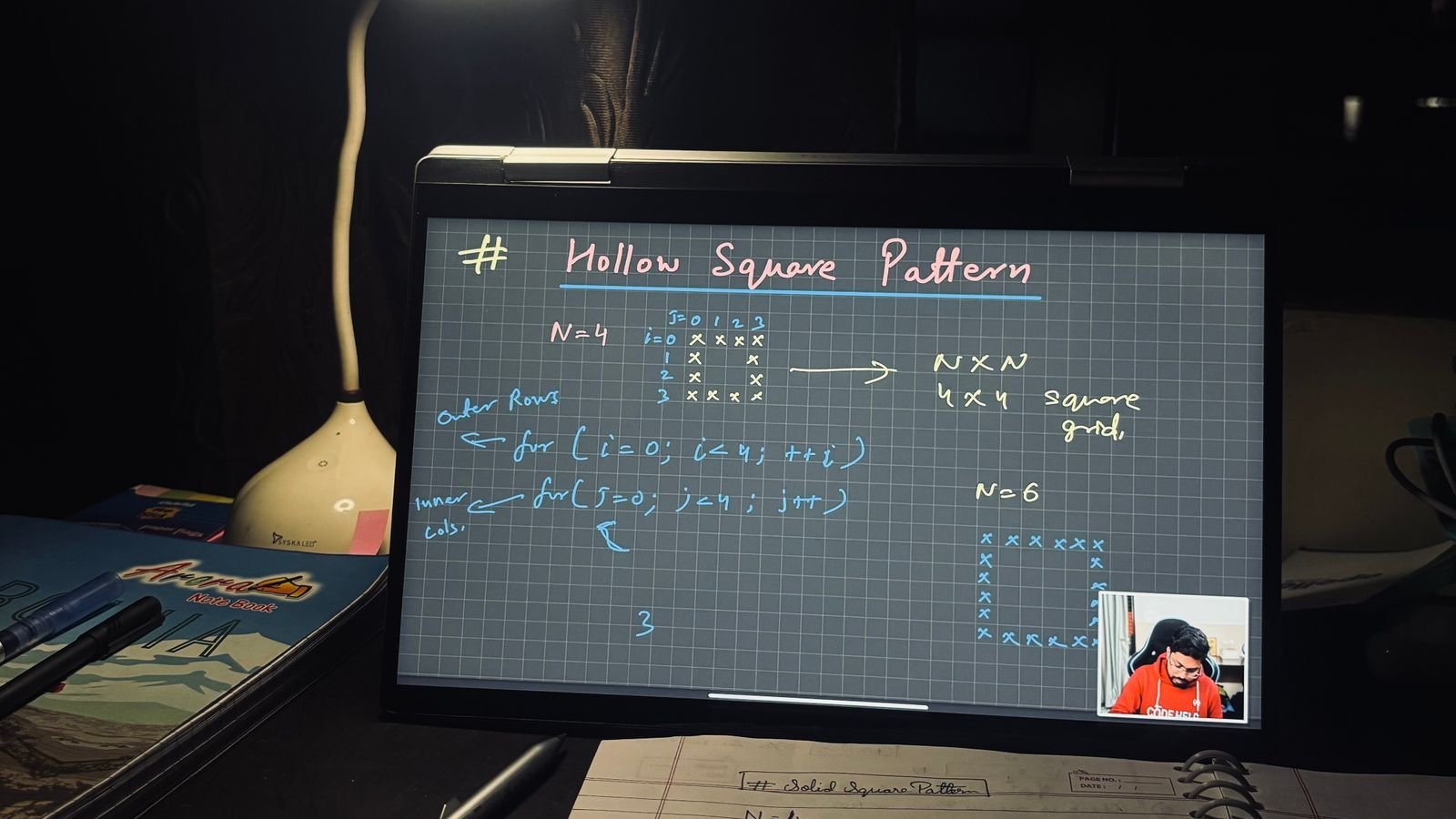
Most parents get stuck at exactly the same fork in the road. Should my child start with Scratch, or is Python the smarter first move? The honest answer is that both languages have a job to do, and the job depends far more on what your child can already read and type than on their birthday.
This guide walks through what each language actually teaches, the age ranges where each one tends to work best, and the signs that tell you your child is ready to move on. By the end, you should have a clear next step instead of another open browser tab.
Scratch teaches the thinking behind programming, not the typing. Built by the MIT Media Lab’s Lifelong Kindergarten Group, Scratch lets children snap colourful blocks together instead of typing lines of text, and a review of computational thinking research credits this format with helping children reason systematically and work through problems step by step, long before they ever see a line of typed code.
Every Scratch project, whether it is a maze game or an animated birthday card, forces a child to break a big idea into small, ordered steps: first this happens, then that happens, and if a certain condition is true, something different happens instead. That sequencing, looping and conditional logic is the same logic every programming language relies on. Scratch simply removes the one thing that trips up young beginners the most, which is spelling. There is no semicolon to misplace in Scratch, because there is no semicolon at all.
Python adds real, typed syntax and access to tools professionals actually use, once a child already understands the logic Scratch taught them. Where Scratch is a set of shapes to arrange, Python asks a child to write instructions in near English words such as print, if and for, and to get every letter, space and colon exactly right.
That is a genuine step up in difficulty, and the difficulty is the point. Python’s own documentation shows how widely the language is used across science, finance and artificial intelligence, so a child who learns it is not just practising for a test, they are picking up the same language that runs real software. The switch works best once a child has spent real time in Scratch first, because the underlying concepts, loops, variables and conditionals, transfer directly. They are not learning to think like a programmer for the first time. They are simply learning the new spelling for ideas they already understand.
Six facts worth knowing before you pick a language
Scratch was designed by the MIT Media Lab’s Lifelong Kindergarten Group and is free to use for anyone at scratch.mit.edu.
Scratch blocks click together like puzzle pieces, so there is no way to misspell a command. Every mistake in Scratch is a logic mistake, which is exactly the skill worth practising.
Python is one of the most widely used languages by professionals, showing up in web tools, data analysis and artificial intelligence projects everywhere.
A peer reviewed classroom study following children aged 9 to 12 for six weeks found their computational thinking scores improved meaningfully after structured Scratch lessons.
Scratch and Python cost nothing to try at home, so testing the waters before committing to a class is completely free.
Children who spend real time in Scratch first tend to pick up Python’s syntax faster later, since the underlying logic transfers directly.
As a general guide, children aged 6 to 9 do best starting with Scratch, children aged 10 to 12 are usually ready to begin the transition into Python, and children 13 and older with no prior coding background can often start directly with Python.
Ages 6 to 9: attention spans are shorter and reading fluency is still developing, so Scratch’s drag and drop blocks let a child focus entirely on ideas rather than spelling. Ages 10 to 12: most children in this range have the reading confidence and patience to handle typed syntax, especially once they have already built a few Scratch projects. Ages 13 and up: teenagers with no coding background at all can often skip Scratch and start with Python directly, since their abstract thinking and typing accuracy are usually strong enough to handle the syntax from day one. These are starting points, not rules. A confident seven year old reader and a reluctant twelve year old typist can each need a different path.
The clearest sign your child is ready to move on is boredom, specifically boredom with Scratch projects that used to feel exciting. Beyond that, a handful of other patterns tend to show up together.
They finish Scratch projects quickly and ask what else they can make. They start noticing how real games and apps are built. They ask direct questions like “is this how real programmers code?” They have had several months of steady Scratch practice, not just a single session. And they can read and type accurately enough to catch their own typos. A six week classroom study following children aged 9 to 12 found meaningful gains in computational thinking after structured Scratch practice, a useful reminder that the goal is not to rush past Scratch, but to let it finish doing its job before moving on.
Starting later does not mean starting behind. A child who is 11, 12 or older with no prior coding exposure can usually move through the fundamentals faster than a much younger beginner, simply because their reading, typing and abstract thinking are already more developed.
For these children, a short stint in Scratch, sometimes just a few weeks, is often enough to introduce the vocabulary of loops, variables and conditionals before moving into Python. Some tweens skip Scratch almost entirely and jump straight into beginner friendly Python, especially when they are motivated by a specific goal, like building a simple game or automating something on their own computer. The right pace depends on the child sitting in front of the screen, not a chart in an article.
No, and most children should not have to choose at all. MasterMindz’s coding tracks are built so a child moves from block based coding into Python, and eventually into app and web development, as one continuous path, guided by a live tutor who watches how the child actually works rather than forcing them through a fixed calendar.
In a 1 on 1 class, a tutor can usually tell within the first few sessions whether a child is confidently sailing through Scratch logic or already asking to type real code, and adjust the pace on the spot. That kind of live, personal feedback is hard to replicate through a self paced app or a pre recorded course, and it is often the fastest way to answer the Scratch or Python question for one specific child, rather than for children in general.
Simple things you can try at home this week
Watch, don’t rescue. When your child gets stuck on a Scratch project, resist the urge to fix it for them. Ask “what did you expect to happen?” instead of taking the mouse.
Let boredom be a signal. If Scratch projects start feeling too easy, that boredom is useful information, not a problem to solve immediately.
Read before you type. Before starting Python, read a few lines of simple code out loud together. Reading fluency matters more than age.
Keep a ta-da folder. Save screenshots of finished Scratch projects somewhere visible. A small portfolio builds motivation to keep going.
Ask about the plan, not just the result. “What are you trying to make happen?” teaches more than “does it work?”
Try a live class before committing. A single trial class with a real tutor often reveals more about readiness than any online quiz.
A tiny logic puzzle even non coders can solve
A child built this simple plan in Scratch for a cat to greet visitors three times: Repeat 3 times, then Say “Meow” for 1 second. When the code runs, the cat says “Meow” each time, but the child wanted it to say “Hello.” What went wrong?
Tap a question to reveal the answer
There is no universal age that flips a switch from Scratch to Python. The better approach is to watch your child’s reading confidence, patience with typing, and appetite for harder problems, then let those signals guide the next step. A free trial class is often the fastest way to get an honest read on all three, since a live tutor can see in real time whether your child is still enjoying the blocks or quietly ready for something more.
More for curious parents
MasterMindz teaches children worldwide through live, personal 1 on 1 online classes in chess, maths, coding and more, with experienced tutors and a fun, individual approach.