September 28, 2026
My child is learning coding can mean almost anything. Here is what children can realistically build with code at ages 8, 10 and 12, and what each project teaches.


How to tell the difference between a child who likes screens and a child who is genuinely ready to start building.
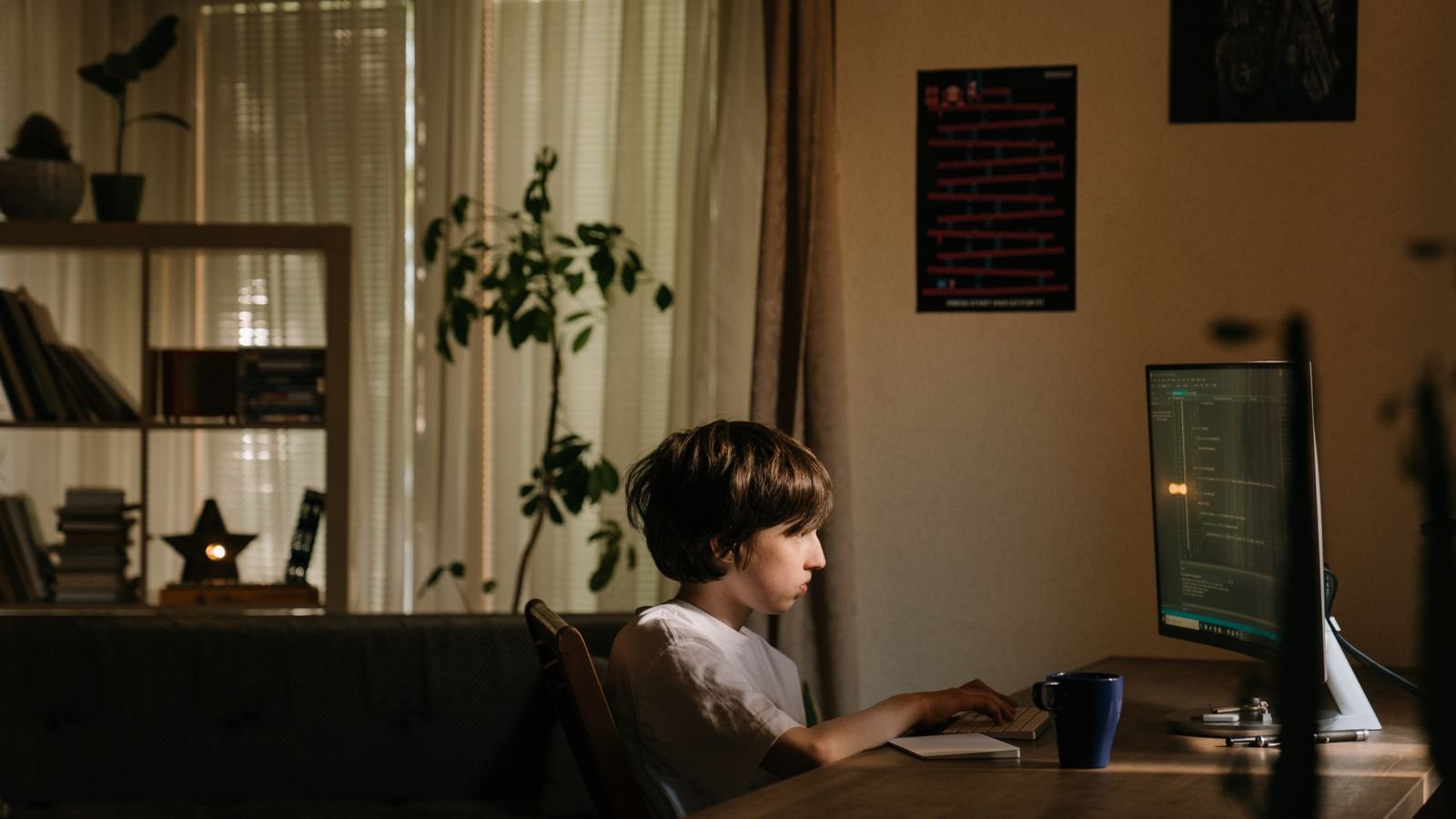
Most parents ask the wrong question. The question is rarely “is my child old enough for coding” and almost always “is my child ready for coding”. Those are two different things, and only one of them is worth worrying about. Age tells you which tool to start with. Readiness tells you whether your child will enjoy the first month or quietly give up in week two.
The good news is that readiness shows up in ordinary, everyday behaviour, long before a child touches a keyboard. It shows up at the dinner table, in the middle of a board game, and in the way your child reacts when a tower of blocks falls over. Here are the seven signs that matter most, why each one predicts success, and what to do if you only spot two or three of them.
Ready for coding means your child can hold a small goal in mind and take steps towards it, even when the first step does not work. That is the whole test. It has nothing to do with being good at maths, owning a fast computer, or being able to type. Children as young as five learn to code every day using block based tools where instructions are pictures that snap together, so there is no spelling to get wrong and no punctuation to forget.
This is why professional coding tutors do not screen children on knowledge. They watch behaviour. Researchers do much the same thing. A large study of children aged 5 to 9 found that a seven week coding curriculum improved computational thinking by an amount equal to about six months of ordinary development, and those children were not selected for talent. They were ordinary first and second graders. Readiness was mostly about being able to engage, not about being advanced.
A child who asks how something works is already thinking like a programmer. There is a real difference between “how do I get to the next level” and “how does the game know I lost”. The first is a user question. The second is a builder question, and builders are the children who thrive in coding classes. Listen for questions about the machinery behind the thing rather than the thing itself.
You will hear it in odd places. Why does the lift always come to our floor last? How does the TV know the remote is pointing at it? Why does the traffic light change when a car arrives? Each of those questions is really about hidden rules, and hidden rules are what code is. If your child asks even one of these a week, you have a strong signal.
If your child can follow a five step instruction and then give you a clear one back, they are ready. Sequencing is the single most transferable skill in beginner coding. A program is nothing more than instructions in an order a machine can follow, so a child who can explain how to make a jam sandwich, in order, without skipping the part where you open the jar, is doing the same mental work.
Test it gently. Ask your child to explain how to brush their teeth as if you had never done it before. The children who are ready will laugh, correct themselves, and add the missing step when you deliberately follow their instructions wrongly. That self correction is worth more than any prior knowledge.
This is the strongest single predictor, and it is easy to observe. Watch the ten seconds after something breaks. A child who is ready will frown, look again, and try a different thing. A child who is not yet ready will shut the lid, push the tablet away, or ask an adult to fix it immediately. Neither reaction is good or bad. One simply means you have a little more groundwork to do first.
Coding is mostly fixing. Even professional developers spend more time finding mistakes than writing new instructions, which is why tolerance for being briefly stuck matters more than raw ability. Encouragingly, this instinct appears very early. In one study, children aged 4 to 6 located and corrected errors in simple robot programs without ever being taught what debugging was. They worked it out because the goal mattered to them.
Six things about young coders that surprise most parents
ScratchJr was built at the MIT Media Lab for children aged 5 to 7. Instructions are picture blocks, so a child can program before they can spell.
Children aged 5 to 9 who did a seven week coding curriculum gained thinking skills equal to about six months of normal development.
Four to six year olds found and fixed mistakes in robot programs without anyone teaching them what a bug was.
Block languages remove typing errors completely, so a young child never loses an hour to a missing bracket.
Some school coding curricula teach programming alongside literacy, because putting a story in order uses the same thinking as putting instructions in order.
A review of early years research concluded that play based computational thinking can begin from around three years old.
A child who builds is a child who is ready, and the material does not matter. Lego, cardboard, Minecraft, sandcastles, elaborate pillow forts, and hand drawn board games all count. Building means your child is comfortable starting with nothing, holding a picture of the finished thing in their head, and adjusting as reality gets in the way. That is exactly what a first coding project feels like.
Watch for one detail in particular: does your child change the plan halfway through and keep going, or does a change of plan end the game? Children who happily say “actually let’s make it a spaceship instead” adapt beautifully to coding, because almost every project turns into something slightly different from what was intended.
Pattern spotting is the quiet sign that most parents overlook. Children who notice that the pattern on the floor tiles repeats every fourth tile, or who work out the rule of a card game before you finish explaining it, are doing early abstraction. In coding this becomes loops, the instruction that says “do this ten times” instead of writing it out ten times.
You can spot it in music, too. A child who can hear that a chorus repeats, or who counts beats without being asked, is tracking structure. Chess players show it constantly. If your child already plays chess and recognises a familiar position, that is the same mental muscle a coder uses to recognise a familiar problem.
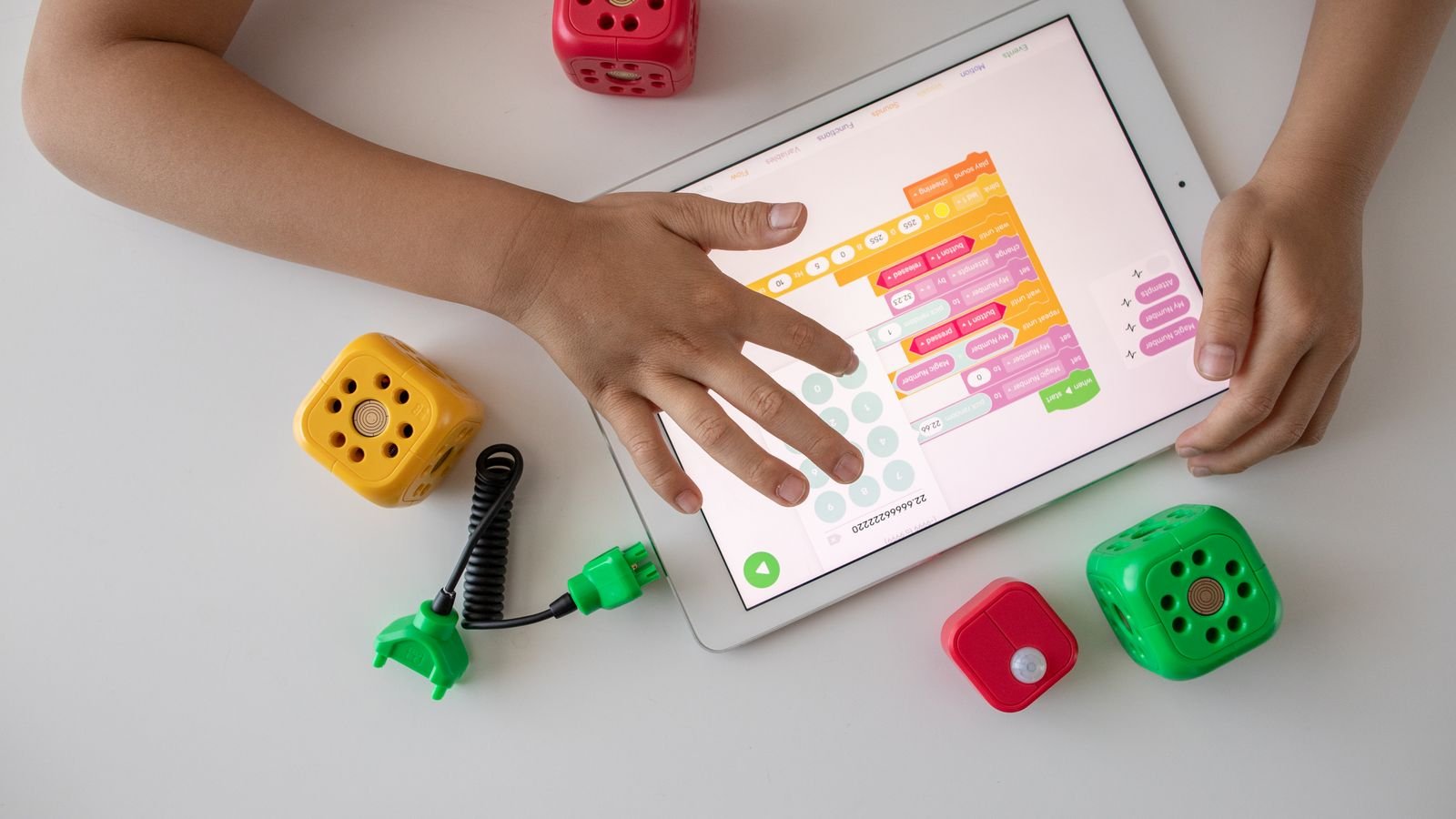
The moment a child says “I wish this game had a level where…” they have crossed from consumer to creator, and that is a very good moment to start coding. This sign is powerful because it supplies motivation for free. A child who wants to build a game will sit through the boring parts of learning, because the boring parts are clearly in the way of something they want.
Listen for the language of redesign. My version would have a shop. The boss should be harder. There should be two players. Children who talk like this are already designing, and the only missing piece is the tools. Give them a first project that matches what they described and the first lesson tends to disappear in a blur.
A child who can stay with a single activity for about twenty minutes has enough attention span for a productive coding session. Note the wording carefully. It does not need to be a school activity, and it certainly does not need to be quiet. Twenty minutes of Lego, drawing, chess, or building a den all count. What you are checking is whether your child can carry a thread of attention long enough to get past the first frustrating bit.
If your child cannot yet, that is a timing question rather than a talent question. Shorter sessions, more frequent, work better than long ones. Many young beginners do far better with two 25 minute sessions a week than one long class, which is one of the practical advantages of live 1 on 1 lessons: the pace bends to the child instead of the child bending to the class.
Two or three signs is enough to start, as long as one of them is curiosity or persistence. Nobody arrives with all seven. The signs are not a checklist to pass, they are a map of what a good tutor will build on. A child strong in pattern spotting but weak on persistence needs early wins and short projects. A child who is stubbornly persistent but shy about starting needs a tutor who hands them a half finished project to fix rather than a blank screen.
This is also the honest argument for a trial class rather than a term long commitment. An experienced tutor can read readiness in about twenty minutes, far faster than a parent can guess it from the outside, and your child gets to find out whether they enjoy it before anyone signs up for anything.
Six things you can try at home this week to test readiness
Play the robot game. You are the robot. Your child gives instructions to get you across the room. Follow them exactly, including the mistakes. Ten minutes of this teaches sequencing better than any app.
Ask for a recipe, out loud. Have your child talk you through making toast or a sandwich while you follow along literally. The laughter when you butter the plate is the lesson.
Wait ten seconds before helping. Next time something breaks, count silently to ten. What your child does in those seconds is the single best readiness signal you will get.
Try twenty free minutes of blocks. Open ScratchJr for a 5 to 7 year old, or Scratch for a child over 7. Give no instructions. Just watch what they reach for.
Ask the redesign question. After any game, ask what they would change if they were the person who made it. Write down the answer. It is your child’s first project brief.
Stop while it is still fun. End the session one step before your child is finished, not after they are tired. Wanting to come back is the whole point at this stage.
A five second puzzle you can read aloud to your child
Here is a program for brushing your teeth. A robot will follow it exactly. What goes wrong?
1. Pick up the toothbrush. 2. Brush your teeth. 3. Put toothpaste on the brush. 4. Rinse.
Tap a question to reveal the answer
You do not have to decide from the outside. Readiness is much easier to see than to predict, which is why a single trial lesson usually settles the question that weeks of wondering cannot. Watch your child in that first session and you will know: do they lean in when something works, and do they lean in again when something does not?
If you recognised your child in three or more of the seven signs above, they are ready enough to begin. The rest is a good tutor, a project they actually care about, and a pace that belongs to them.
More for curious parents
MasterMindz offers live 1 on 1 online classes for children and has taught 750+ students across 11+ countries. Lessons cover coding, chess, maths, Rubik’s cube, music and languages, each taught by an experienced tutor who works with one child at a time and adjusts the pace to suit them.