October 13, 2026
Chess makes kids better students mainly through the habits it trains: pausing before acting, checking for problems, planning ahead, reviewing mistakes and staying focused to the end. Those...


A calm, practical guide to online chess safety, written for parents who would rather know than guess.
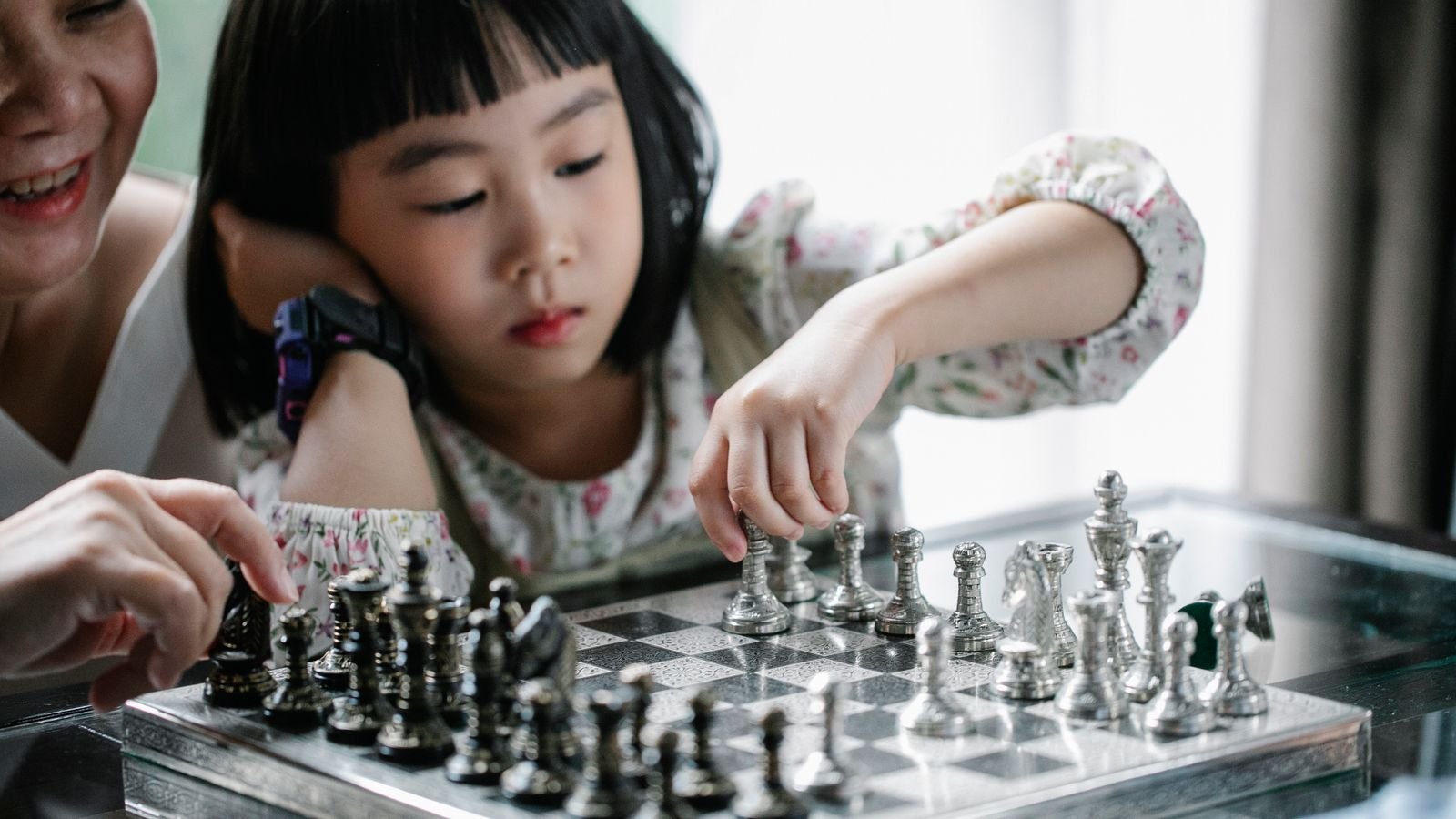
Your child has discovered chess, loves it, and now wants an account on Chess.com. Somewhere between the delight and the download comes the question every parent asks: is this actually safe? The honest answer is that it can be, but only once you have made three or four decisions that most families never get told about.
This guide walks through those decisions in plain language. No panic, no vague warnings. Just what the platforms actually allow, what they block, what you should change, and how to tell whether your child is playing in a protected space or an open one.
Chess.com is reasonably safe for teenagers with the right settings, and it is not the right platform for a child under 13. That is not a judgement about the site’s quality. It is what Chess.com itself says: its own help pages point families with younger children towards ChessKid, its purpose-built platform for young learners.
The chess itself is never the problem. Millions of children play online every week and come away sharper, calmer and prouder of themselves. The risk sits entirely in the social layer bolted onto the game: the chat box during a match, the friend requests, the private messages, the forums. Remove that layer and online chess becomes one of the safest screen activities a child can have.
So the real question is not “is Chess.com safe”. It is “which platform, at which age, with which settings”. The rest of this article answers that.
Chess.com’s minimum age is 13 in most countries, and higher in a few, such as 15 in France. If an account is flagged as belonging to someone younger, a parental consent form is sent out and the account is automatically muted with social features disabled until the completed form comes back.
That matters for two reasons. First, if you set up an account for a nine year old and quietly enter a false birth year to skip the friction, you have not made your child safer. You have made them look like a 25 year old to every stranger on the platform, and you have opted them into the exact features the age rule exists to hold back.
Second, the rules are only as strong as the account details behind them. Age gates on the internet are self-declared almost everywhere. A grown adult can create an account and appear as a beginner, which is precisely why the platforms with real child protection do not rely on age alone. They restrict who is allowed to talk to whom.
For a child under 13, ChessKid is the strongest default, with Lichess in Kid Mode a good free alternative, and Chess.com best kept for teenagers. Here is what separates them.
ChessKid is built from the ground up for children, and its design choices show it. Adult accounts cannot befriend or message kid accounts at all unless the adult is a registered guardian, meaning a real parent or coach. Children cannot message each other either. Parents create the child’s account from their own dashboard, which makes them the primary guardian with full visibility of games, progress and activity.
Lichess is free, has no adverts and no trackers, and offers a dedicated Kid Mode. In Kid Mode a child can play games but opponents cannot send anything beyond chess moves, and forums, blogs, live streams and videos are all closed off. A small smiley icon on every page tells you at a glance that it is switched on, and the mode cannot be turned off without the account password. Keep that password yourself and the setting stays put.
Chess.com is the biggest platform, with the deepest lesson library and the strongest tournaments, which is why serious young players eventually end up there. For a teenager who is ready for it, it works well with chat disabled and privacy settings tightened. For a primary school child, it offers a lot of adult-facing surface area you do not need yet.
Six things about online chess safety that surprise most parents
Chess.com’s minimum age is 13 in most countries, and 15 in some, such as France. Below that, a parental consent form is required.
Once a consent form is issued, the child’s account is muted and social features are switched off until the form is returned.
Lichess Kid Mode cannot be disabled without the account password, so a curious child cannot quietly undo it.
On ChessKid, adults simply cannot message children unless they are a verified guardian. It is a design rule, not a setting.
Every online game is saved and replayable, which means you can review exactly what your child played, and when.
A username containing a real name, birth year or school is the single most common way children hand over personal details without noticing.
There are four risks worth your attention, and only one of them is about chess. Naming them properly makes them much easier to handle.
Contact from strangers. This is the serious one. Australia’s eSafety Commissioner describes how adults seeking to groom children go to the platforms and games children already use, build a friendly connection around a shared interest, and slowly gather personal details. Chess is a shared interest like any other. The protection is not surveillance, it is simply closing off private messaging.
Rudeness in the chat box. Far more common and far less dangerous, but it still stings a nine year old who has just lost. Trash talk after a defeat is standard online behaviour and children take it personally.
Rating obsession. A number that goes down in public is a powerful thing for a child. Some children start avoiding games to protect a rating, which is the opposite of learning.
Endless play. Fast games are designed to roll straight into the next one. Without a clear stopping point, twenty minutes becomes two hours and nobody quite noticed.
A safe setup takes about ten minutes and holds for years. Do it once, properly, with your child watching so they understand why.
Start by choosing the platform that matches your child’s age, using the section above. Create the account yourself, from your own email address, and keep the password. On ChessKid this makes you the primary guardian. On Lichess it is what stops Kid Mode being switched off later.
Pick a username with no real name, no birth year, no school and no city in it. Something like BlueKnight44 is perfect. Then switch off chat, decline the ability to receive messages from non-friends, and turn off any profile fields asking for location or age. Finally, agree out loud on when and how long your child plays, and put the device somewhere shared rather than a bedroom.
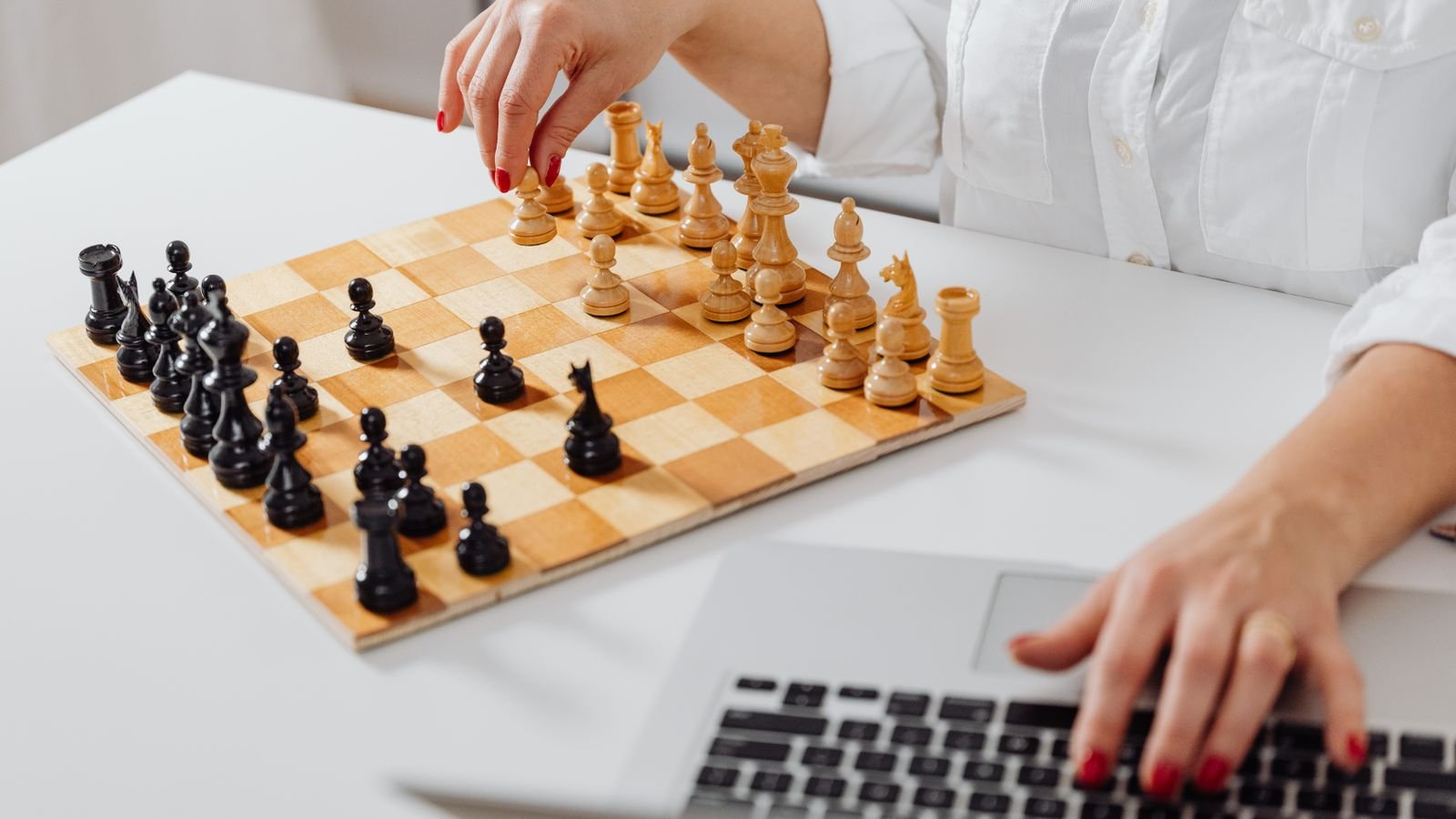
Three sentences do most of the work here, and children remember them far better than a long lecture. The first: we never tell anyone online our real name, school, city or age. The second: if someone online asks you something that feels odd, you are never in trouble for telling me. The third: if a game makes you feel bad, we stop and we talk about it.
That middle sentence matters more than the other two combined. eSafety notes that adults who groom children work hard to make the child feel embarrassed and reluctant to tell anyone. A child who is completely certain they will not be blamed is a child who reports early, and early is everything.
Teach the block and report buttons the same way you teach a fire exit. Show them once, calmly, before anything happens, so the knowledge is already there when it is needed.
The clearest warning sign is a change in how your child behaves around the device, not anything you find on the screen. Watch for a child who suddenly closes the laptop when you walk in, who becomes secretive about who they are playing, who is upset or withdrawn after playing, or who mentions a new online friend who seems to know a lot about them.
Other signs are gentler but still worth noticing. A child who has stopped playing longer games and only plays one minute bullet is usually chasing a feeling rather than learning. A child who refuses to play anyone rated higher has started protecting a number instead of enjoying a game. Neither is a safety emergency, but both are worth a conversation.
If something does go wrong, respond to the situation rather than to the platform. Take a screenshot, use the report function, and reassure your child that they did the right thing by telling you. Removing chess as a punishment teaches a child that speaking up costs them something they love, which is exactly the lesson you do not want them learning.
Seven things you can do this week
Audit the username tonight. If it contains a real name, birth year, school or city, change it. This takes two minutes and closes the most common information leak.
Hold the password yourself. On Lichess this is what keeps Kid Mode locked. On any platform it means settings cannot quietly change.
Move the device to a shared room. Not to spy, but because casual visibility prevents almost everything without a single confrontation.
Set a game count, not a timer. “Three games, then we stop” works far better with children than “twenty minutes”, because a game has a natural ending and a clock does not.
Review one game together each week. Ask your child to show you their favourite move. It builds the habit of you being welcome on the screen.
Practise the block button once. Find it together on a calm evening so it is already familiar if it is ever needed in a hurry.
Say the “never in trouble” sentence out loud. Repeat it every few months. It is the single most protective thing you can give a child online.
Read this one aloud with your child and let them find it
Priya, aged 10, plays a friendly online game. Her opponent types four messages during the match:
1. “Good luck!” · 2. “Nice move, you’re really good.” · 3. “How old are you? Which school do you go to?” · 4. “Let’s be friends, don’t tell your mum, she’ll think it’s weird.”
Tap a question to reveal the answer
Online platforms are excellent practice grounds and poor teachers. They will hand your child a thousand opponents and no explanation of why the last game went wrong, which is why so many children plateau at a rating and stay there for a year feeling stuck.
A live class solves a different problem to a safety setting, but it happens to solve a bit of the safety one too. There is one tutor, one child, a fixed time, and nobody else in the room. Your child gets told why the knight belonged on f5 rather than being left to guess, and you get a class you can sit beside without it being strange. If you would like to see how our chess classes work, or read about how we handle child safety, both are a click away.
Set the account up properly, say the “never in trouble” sentence, keep the password, and online chess becomes what it should have been all along. A game your child loves, in a space you are comfortable with.
More for curious parents
MasterMindz offers live 1 on 1 online classes for children and has taught 750+ students across 11+ countries in chess, maths, coding and more. Every class is a scheduled, private session with one experienced tutor, so there is no public chat, no friend requests and no strangers. Parents often ask where a child can learn chess online safely, and a private live class with a known tutor is the simplest answer.